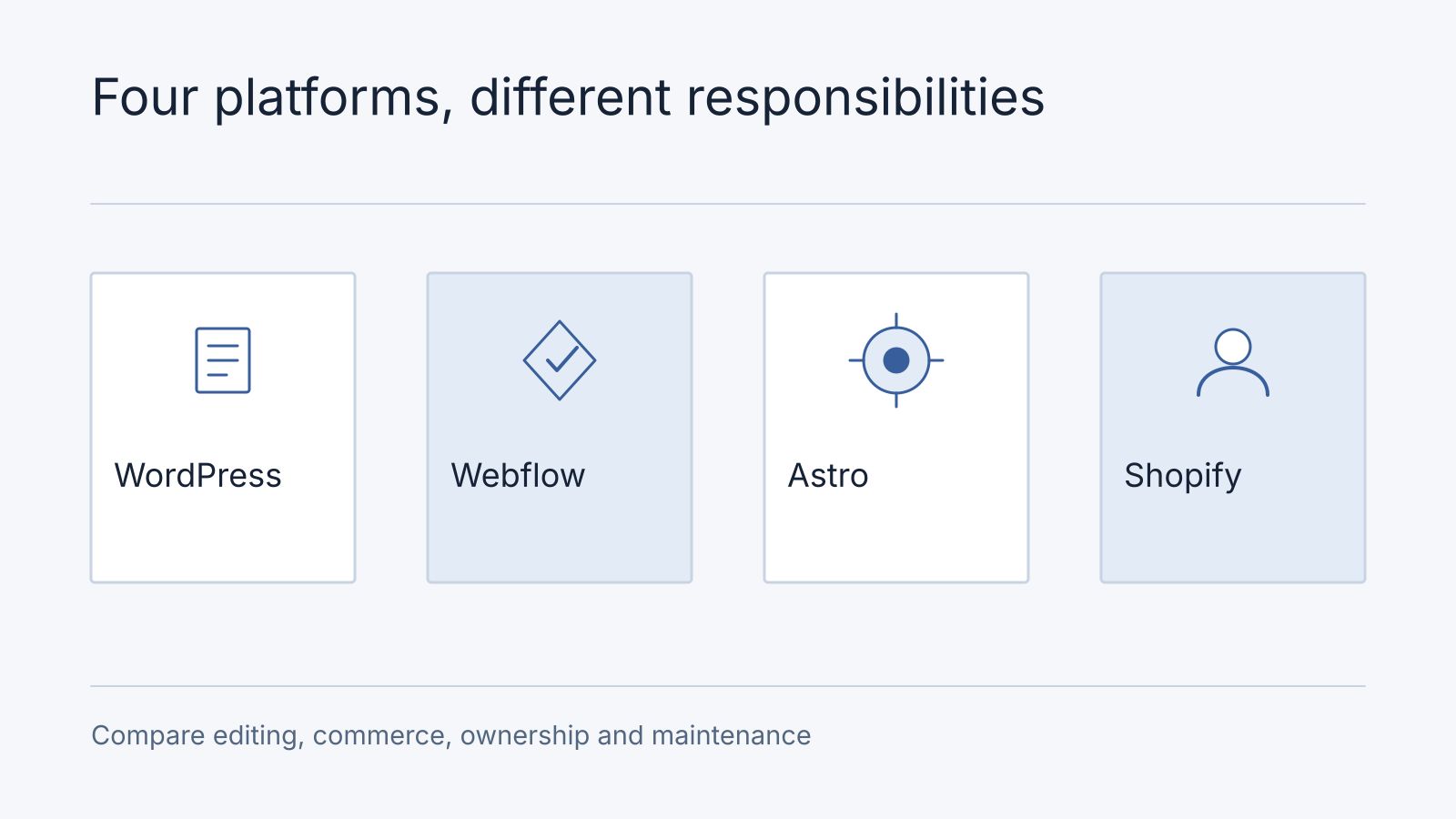
WordPress, Webflow, Astro and Shopify support different delivery models. The right choice depends on who edits the site, what it integrates with and who will operate it. Treat platform selection as a requirements decision rather than a universal ranking.
Compare responsibilities
| Platform | Useful evaluation questions |
|---|---|
| WordPress | Which plugins, hosting and update process support the editorial and integration needs? |
| Webflow | Does the hosted visual workflow fit the design, CMS and export requirements? |
| Astro | Who will maintain the code, content integrations and deployment? |
| Shopify | Do the commerce workflows, integrations and commercial terms fit the business? |
WordPress can support conventional sites and headless applications through its REST API. Caching and implementation choices affect how requests are served. It is inaccurate to assume every visit necessarily performs an uncached database render or that every WordPress site has poor performance.
Webflow offers code export under its applicable plan conditions. Exported files and CMS data do not reproduce every hosted feature automatically: forms, search, commerce and dynamic functionality may need replacement or rebuilding. Review the Webflow export documentation for the actual portability requirements.
Astro’s islands architecture can limit client-side JavaScript to components that need it. That default is useful, but integrations, images, scripts and server routes still affect performance and security. It does not create a site with no attack surface.
Shopify merits evaluation when managed commerce is central to the project. Check payment availability, catalogue requirements, checkout constraints and app dependencies for the intended market before selecting it.
For Malaysian checkout requirements, use our payment gateway comparison to compare FPX, DuitNow, card fees and recurring billing before committing to a platform.
Compare the complete cost
| Buyer operating model | Shortlist approach | Evidence that decides fit |
|---|---|---|
| Routine editing without a resident developer | Evaluate the proposed WordPress or hosted visual-editor setup | The actual editor publishes and reverses a representative change |
| Managed commerce is central | Evaluate the proposed commerce platform and maintained integrations | Required local payment, refund and order workflow works for the merchant |
| Custom presentation or integration with an engineering owner | Evaluate a code-led approach such as Astro alongside suitable CMS options | Named owner can maintain content, deployment and connected services |
| Portability is a primary requirement | Compare exports, accounts, source rights and replacement dependencies in every proposal | Exported content and a representative journey work in the intended destination |
These are conditional shortlist routes, not additional platform feature guarantees. Verify the exact plan, extension and implementation against the official references above.
Two illustrative decision records show the deciding evidence. A service business with a nontechnical editor keeps WordPress on the shortlist after the editor demonstrates page changes; it leaves plugin maintenance ownership unresolved until the agreement names it. A local store postpones its platform choice until the required payment and partial-refund flow is demonstrated for the merchant account. The cheaper visual demo cannot settle either missing requirement.
Include design, content migration, subscriptions, hosting, integrations, maintenance and staff time. A low initial quote may omit work the business still needs; a higher quote is not evidence of better outcomes. Ask each supplier to price the same scope and document recurring charges.
Validate the difficult requirement first
For a typical small business site in Malaysia, ask each platform proposal to demonstrate the same four tasks: edit a service page, publish a multilingual update if needed, receive an enquiry and export the content and leads. If the business sells online, also demonstrate the intended FPX, DuitNow or card flow and how a refund is reconciled. Score the working result and the operator’s effort rather than declaring one platform best for every business. This is a selection exercise, not a Nodesify client case.
Prototype the integration, editing task or transaction that creates the most uncertainty. Check accessibility and performance on representative pages and devices. Confirm how content and customer data can be exported, and who owns the accounts and code.
No platform automatically guarantees search visibility, perfect Core Web Vitals or freedom from security incidents. A website development assessment should explain the tradeoffs against your requirements and identify the ongoing responsibilities of both the business and its supplier.
If you are considering an AI-built application, our Manus development and hosting planning guide compares keeping it hosted, handing it to a developer and commissioning a custom build with a hypothetical example.
For a first project, use the AI builder budget guide to define the smallest useful release. Before publishing, work through the SEO, AEO and GEO launch checklist for AI-built websites.
Frequently asked questions
What can stop working after export?
Hosted forms, search, commerce, authentication or other connected features may need replacement. Inventory dependencies and demonstrate the exported journey; code or content files alone do not establish operational portability.
Can we change platforms without losing useful URLs?
Map each important URL to retained or equivalent content, implement appropriate redirects and verify links and canonical destinations. Migration scope must include those records, not just copying pages.
Which option suits a team without a developer?
Choose a demonstrated editing and operating arrangement with an accountable support owner. Start with a platform-choice discussion; select a WordPress package only after its scope fits.