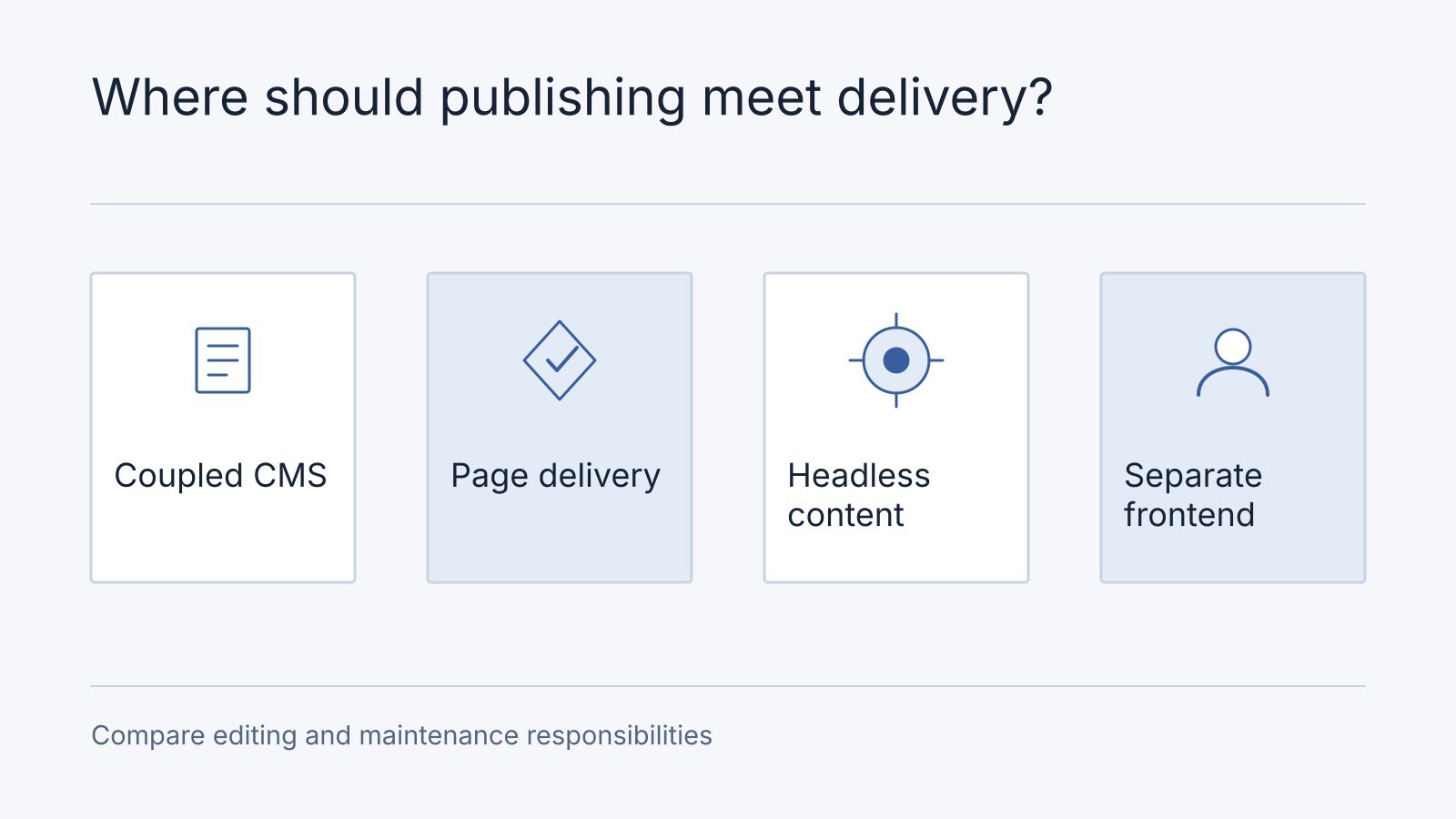
A traditional CMS commonly combines content management with a page-rendering system. A headless CMS exposes content for a separate presentation layer to consume. These are architectural approaches, not guarantees of speed, security or lower cost. Some products support both: WordPress provides a REST API that can serve separate applications.
Start with publishing requirements
Identify who writes, reviews, translates and publishes content. Demonstrate the complete workflow, including previews, scheduled changes and rollback. A headless implementation that serves multiple channels can still create editorial friction if preview and reusable content models are poorly designed.
A traditional setup may be appropriate when the main output is a website and its existing templates meet the need. A separate frontend may be useful when several applications consume the same structured content or the presentation layer has requirements the built-in renderer does not meet.
Compare what you must operate
| Concern | Questions to resolve |
|---|---|
| Publishing | How do approval, preview and publication work end to end? |
| Delivery | Is content built ahead of time, rendered on demand or fetched by the browser? |
| Reliability | What happens when the CMS, build or API is unavailable? |
| Security | How are administration, API access and credentials protected? |
| Ownership | Who maintains schemas, integrations and frontend code? |
Separating the frontend does not automatically hide or secure the CMS. Administrative interfaces, APIs, permissions and dependencies still need maintenance. Performance depends on caching, rendering, media and integration choices in either model.
Estimate the whole lifecycle
Use a representative publishing task to compare options. Ask an editor to create a page, preview it, schedule a correction and reuse one content item on a second channel. Record which steps require developer help and who maintains the delivery layer. A traditional CMS may be simpler for one marketing website; headless delivery may justify its extra integration work when several products need the same structured content. Neither choice removes the need to secure and operate its APIs.
Include the cost of preview, search, forms, localisation, hosting, deployment and support. Headless architecture can introduce additional integration work, but there is no universal cost multiplier or total-cost saving that applies to every project. Compare equivalent scopes over a stated period.
Avoid selecting a complex architecture solely because an industry is said to require it. A small team publishing a conventional site may value simpler operations more than theoretical flexibility.
Compare the editor’s work, not just the stack
In a synthetic weekly promotion journey, a marketer edits copy, previews the actual page, schedules it and restores the previous revision if a price is wrong. A traditional CMS may cover that workflow within one interface; a headless implementation must demonstrate the assembled preview, scheduling and release path. In a second journey, a catalogue entry feeds both a website and an app. Shared content may favour a headless model, provided both consumers handle schema changes and publication timing.
Write the requirements record with editor roles, preview accuracy, approval, languages, assets, destinations and recovery. Allocate ownership and cost for CMS licences, frontend hosting, integration maintenance, plugin upgrades, preview and developer-assisted changes. A lower CMS subscription can still produce more publishing work.
Frequently asked questions
Can we keep WordPress and our existing URLs?
Yes, include retaining it as an option. Verify which requirement cannot be met before proposing a replacement. If migration is justified, inventory valuable URLs, redirects, metadata and content references alongside the content transfer.
What should a CMS review demonstrate?
Ask an editor to complete both an ordinary update and a rollback using representative content. Bring that journey to an architecture audit; request an evidence-backed retain/configure/replace decision.
Plan migration around real content
Inventory content types, media, metadata and relationships. Preserve existing URLs where practical. Where URLs change, map appropriate redirects and update internal links; a migration does not inherently require every URL to change.
Validate the migration using representative pages and editorial tasks before switching delivery. Record who can correct failed imports and how the team will recover if publication fails. An architecture audit can compare the options against the workflows and constraints you actually have.