To save money building an app or website with AI, define one useful customer journey, build the smallest version that completes it, and track both building and running costs. A cheap subscription can still become an expensive project if you repeatedly redesign it or add features nobody needs.
This guide is for business owners and nontechnical founders using an AI application builder. You do not need to write code to make the planning decisions below. You do need to check that the result works and understand which services you are paying for. Platform documentation linked here was reviewed on 22 September 2026; examples are planning exercises, not measured customer savings.
Decide whether you need a website or an application
A website can explain a service and collect an enquiry. An application usually lets people sign in, save information or complete a workflow. Adding accounts, subscriptions and dashboards to a simple business website creates more work to build and maintain.
| Your first business goal | Smallest useful starting point | Defer until there is a clear need |
|---|---|---|
| Receive service enquiries | Service page, contact details and working enquiry form | Customer accounts and a custom CRM |
| Validate a booking service | Explain availability and collect booking requests | A bespoke scheduling engine |
| Let staff track requests | One staff workflow with appropriate access and saved records | Advanced reports and customer portals |
| Sell a standard product | Evaluate an established commerce platform | A custom checkout and order system |
For example, a tuition business might need parents to request a trial lesson. A page explaining the classes and a request form can establish whether parents respond. Payments, attendance tracking and tutor payroll solve different problems and can be considered separately.
Write down what happens after submission. Someone must receive the request, respond to it and record the outcome. A beautiful form that sends information nowhere is unfinished.
Write a one-page brief before spending credits
Answer these questions in an ordinary document:
- Who will use the first version?
- What single task must they complete?
- What information must they provide?
- Who can see or change that information?
- What tells them the task succeeded?
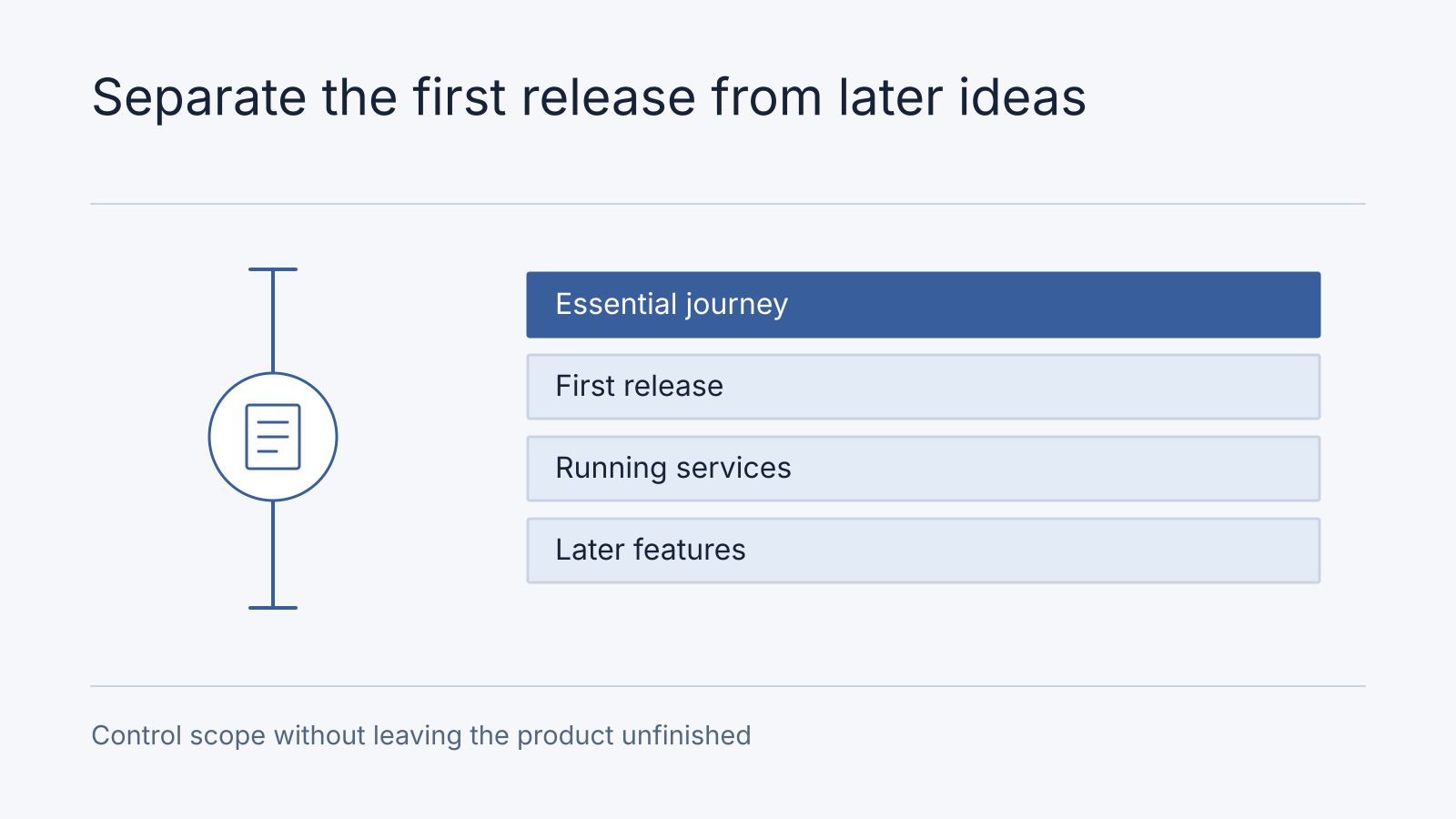
- What is explicitly outside this release?
- Who owns the domain, builder account and monthly bills?
A useful brief for the tuition example says: parents can see available classes, send a trial request and receive a confirmation. Staff receive the enquiry. Parents do not need accounts. The page must work on a phone. Use fictional enquiries while building.
Give the builder approved service descriptions, opening hours and images early. Otherwise it may invent copy you later pay to replace. Ask it to identify missing information before implementation. Our AI builder prompting guide includes a reusable brief and a repair prompt.
Separate building costs from running costs
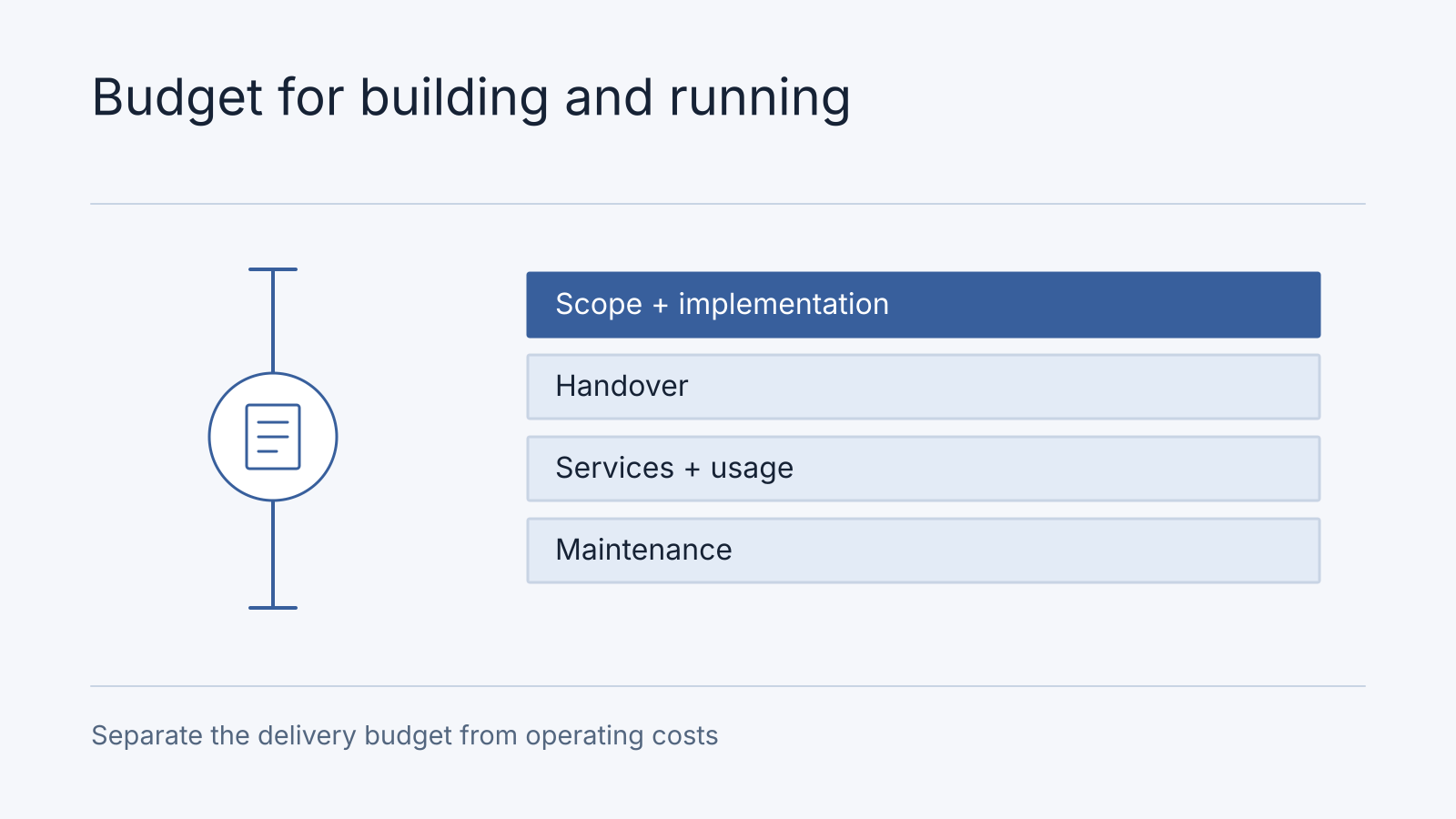
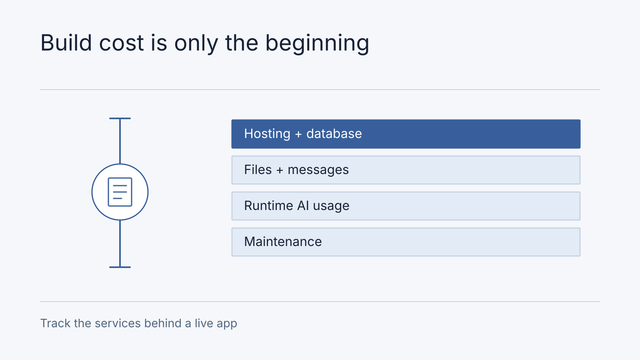
Building costs include subscriptions, generation credits, paid templates and developer assistance. Running costs include hosting, stored data, email, payments and any AI feature used by visitors. These are useful budgeting categories even when a provider combines them on one invoice.
For example, Lovable’s current credit documentation describes one balance covering building, chat, Cloud and deployed AI usage. Do not assume that all remaining credits are available solely for changing your design.
Use this calculation for your own project:
First-year cost = initial setup + building spend + 12 months of expected running costs + maintenance and changes.
Avoid counting the same subscription allowance and prepaid usage twice. Record what is included, what expires and what triggers an additional payment. For a Malaysian or Singaporean business, record the invoice currency as well as the actual MYR or SGD amount paid; exchange-rate and tax treatment can change your local total.
The AI app hosting cost checklist explains how to assemble this worksheet without guessing a universal monthly price.
Finish one workflow before adding another
Ask the builder to implement the first journey, then walk through it yourself with sample information. Check the phone layout, required fields, success message and whether the intended recipient gets the submission.
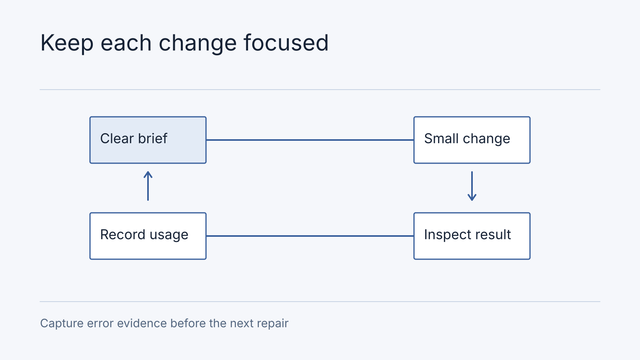
Record specific problems. “The form says submitted but staff receive no email” is actionable. “Make it better” leaves the builder to decide what matters and can lead to unrelated changes.
Keep a short list of accepted behaviour. After a change, revisit it. If changing the page heading breaks the form, restore a known working version using the platform’s documented version controls before attempting another broad rewrite. Confirm what a restore affects: code history and stored customer data may have separate recovery mechanisms.
Choose a stopping rule before a frustrating session begins. For example, after two unsuccessful attempts at the same issue, pause and collect the exact error and reproduction steps. This is a practical spending rule, not a claim that every problem should take two prompts.
Spend developer help on a defined problem
Developer assistance is easier to compare when you can demonstrate the issue and describe completion. Request a review of a specific workflow, access rule or deployment problem rather than an open-ended promise to finish everything.
Useful questions include:
- Which parts of the existing implementation can stay?
- Which changes are required for this release, and why?
- What evidence will show the work is complete?
- Who handles failures and updates after launch?
- Are recurring services and future changes included in the quote?
For applications handling customer accounts, payments or private records, budget for someone qualified to examine the relevant implementation. A convincing preview cannot establish that one customer is unable to access another customer’s data.
Our Manus development and handover guide uses a hypothetical application to show why a move can involve authentication, storage and integrations as well as hosting. Its worksheet is not a price list.
Choose a bounded paid next step
Nodesify starts with a free fit call. If the workflow is unclear, the optional Blueprint + Clickable Prototype produces a scoped design and delivery estimate; it does not include a working production system. If you already have an implementation, an architecture audit can assess its technology and dependencies. A coded proof of concept is separate R&D work.
For a new operational workflow, a focused Zen-based build combines the agreed foundation and business modules. A complete implementation is priced for its actual scope; a foundation amount is not a universal finished-system starting price or scope band. The Zen product scope and current pricing terms explain the distinction and milestone payments. Discovery, where credited, is counted once within the complete total. You retain the agreed discovery deliverables if you stop, but the fee pays for completed work and is not automatically refundable.
For a supported existing system with a bounded task, separately approved technical work may fit better than a recurring plan. Agree an estimate, scheduling and written approval before work begins; this is not a prepaid engineering-hours package. Hosting and external service bills still belong in your budget.
| Situation | Useful next step | Bring and agree |
|---|---|---|
| Idea or workflow unclear | Optional Blueprint + Clickable Prototype | User journey, decisions and prototype/scope deliverable |
| Existing implementation has uncertain risks | Architecture review | Demo, failing journey and evidence/limitations report |
| Supported fault already bounded | Approved technical work | Reproduction, estimate and fix acceptance |
| Simple business website needed | Compare website packages and custom scope | Pages, content readiness and enquiry journey |
| One technical capability uncertain | Separately scoped coded R&D | Sample input, feasibility question and stop/proceed result |
Save on unnecessary scope before changing platforms
Before moving to a cheaper host, remove unused features from the proposed release, inspect expensive usage and compare equivalent services. Migration has its own cost: moving information, reconnecting services, verifying the result and assigning maintenance.
Portability still matters. Keep business accounts under your control, understand how to export your source and records, and document the services your app uses. You can prepare for a possible future move without paying for one immediately.
Reserve time for discovery too. A launched website needs clear service information, useful answers and working contact paths. Follow the SEO, AEO and GEO checklist for AI-built websites before buying extra content-generation subscriptions.
Frequently Asked Questions
Do I need diagnosis, repair or a rebuild?
Diagnose when the cause or boundary is unknown. Repair when a supported, bounded change can meet the acceptance criteria. Compare rebuilding only when evidence shows a material constraint in the current implementation, including migration and operating costs. Bring the brief, demonstration and failure record so the next step follows the actual situation.
Can a nontechnical founder build an app with AI?
Yes, AI builders can help turn written requirements into a working prototype or application. The owner still needs to verify workflows, understand ongoing charges and arrange technical help for requirements they cannot assess, such as private-data access.
Is an AI-built website always cheaper than hiring a developer?
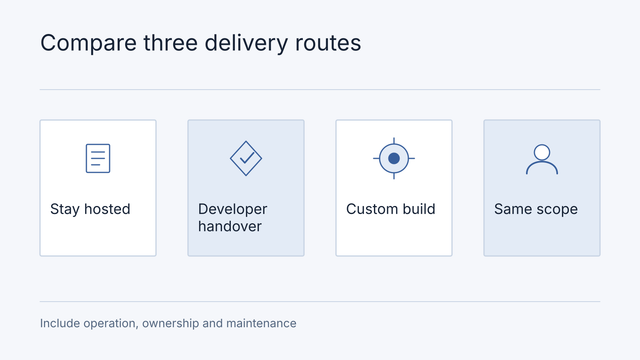
No. Compare the cost of reaching the same finished scope, including your time, revisions, running costs and maintenance. A small straightforward site and a complex customer application have very different requirements.
Should I buy an annual builder subscription immediately?
First establish that the tool can complete your required workflow and that its export, usage and cancellation terms fit your needs. An annual discount is only useful if you continue to need that service.
What should I prepare before asking for a quote?
Prepare a demonstration, the required customer journey, a list of known problems and a recent usage breakdown. Explain whether existing records must be preserved and who will maintain the result.
Get help with the next concrete step
Write a one-page scope brief before buying another plan: the intended user, the single journey they must complete, the data saved, the systems connected, the acceptable failure behaviour and the owner after launch. Mark each feature as needed for that journey or later. This is a planning template, not a claim that a Nodesify customer saved a stated amount by using it.
If you have a working prototype but are unsure what remains, request an architecture audit. For a business website, discuss the intended enquiry journey through our website development service. Bring your brief so the scope starts with the outcome you need.