A WordPress handover should leave your business able to publish, renew services and recover the site with clearly assigned responsibilities. Receiving an administrator password is only one part of that handover. You also need to know who controls the domain, what the backups contain and which maintenance tasks the supplier has agreed to perform.
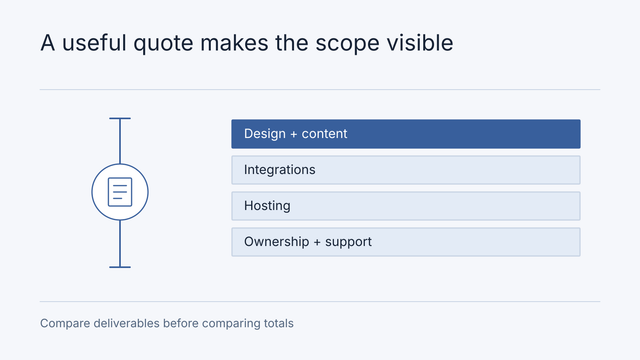
Use this checklist before accepting a new site or changing support providers. It complements our WordPress setup quotation guide; the focus here is ownership and operation after delivery. The worksheet is a suggested procurement tool, not a report of a customer project.
Build an account and asset register
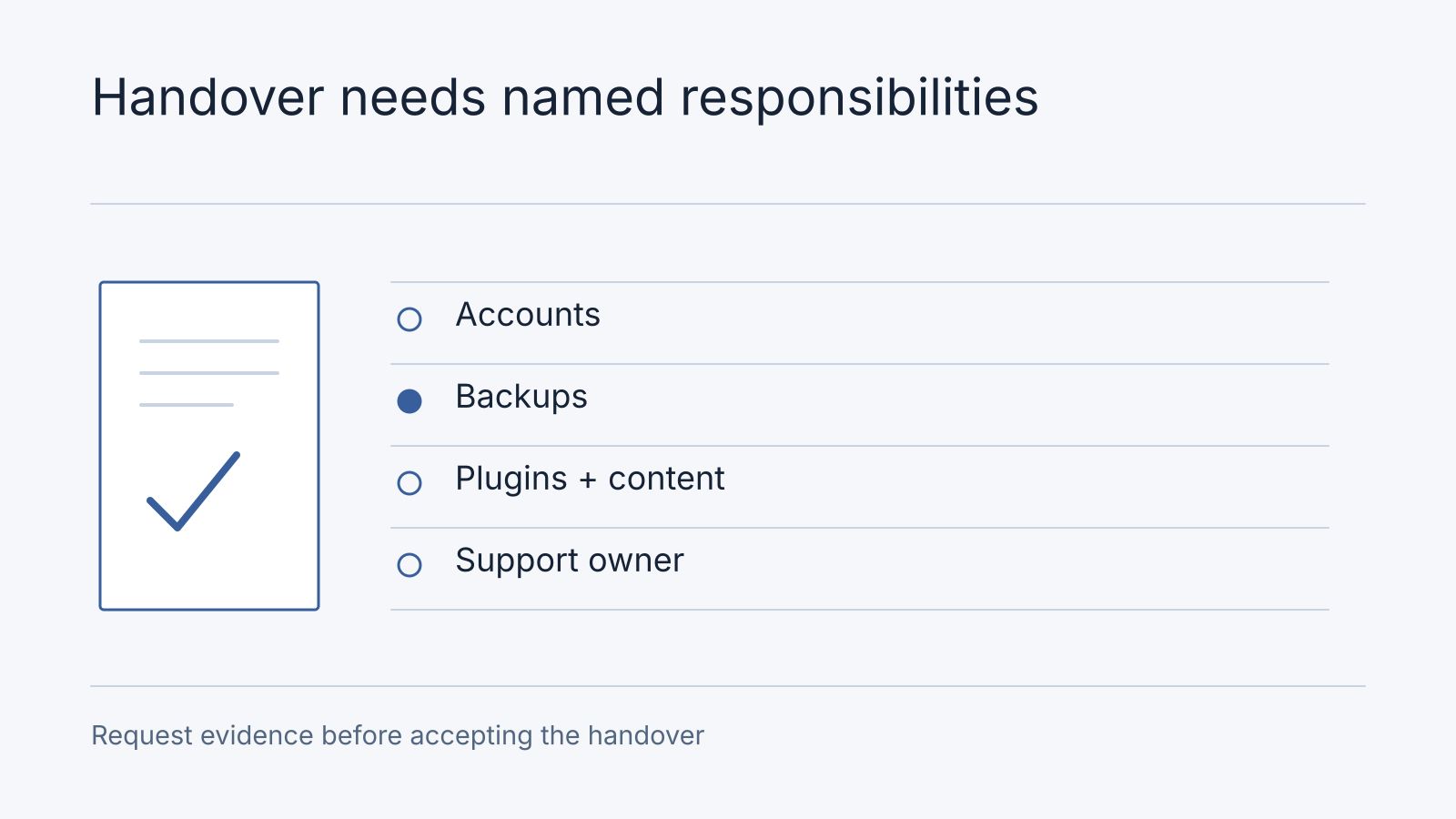
Request an inventory that records the service, business purpose, account owner, billing owner and renewal date. Use business-controlled recovery details where appropriate and grant named access for the people doing the work. Agree how former supplier access will be removed without interrupting services.
| Asset | Handover evidence to request |
|---|---|
| Domain and DNS | Registrar access, renewal responsibility and DNS record inventory |
| Hosting | Plan details, deployment access and recovery contact |
| WordPress | Named administrator accounts and editor-role instructions |
| Theme and plugins | Installed inventory, licence owner and renewal terms |
| Custom code | Repository or source archive and deployment instructions |
| Forms and email | Recipient routing, delivery-service owner and failure investigation |
| Analytics and search | Business access and explanation of the configured reports |
Ask what stops working if a supplier-owned licence expires or the relationship ends. Record the replacement or transfer arrangement in the proposal rather than assuming every licence can be transferred. Keep credentials in an agreed secure access system, not inside the asset register itself.
Request a usable backup and recovery plan
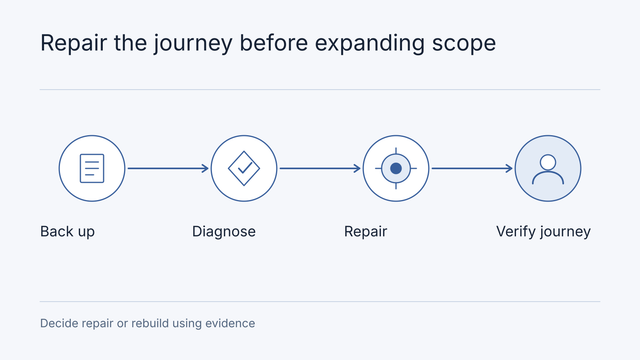
WordPress documentation distinguishes the database from site files and explains that both are needed for a complete backup. See the official WordPress backup guidance. A database export alone does not establish that uploaded media, themes and custom files are recoverable.
Ask what is included, where copies are stored, how long they are retained and who can restore them. Agree on an appropriate restoration exercise and record its outcome. A dashboard showing scheduled backups is not equivalent to evidence that the agreed recovery process works.
For a store or frequently edited site, specify how recovery handles orders or content created after the backup point. Name the person who approves a restore and communicates any affected transactions. The recovery plan should describe business decisions as well as technical steps.
Assign maintenance tasks individually
Avoid a single undefined line saying “maintenance included.” Copy this worksheet into the agreement and fill in the named owner, frequency or trigger, included scope and evidence for each task.
| Task | Decision to record |
|---|---|
| Core, theme and plugin updates | Who reviews, applies and checks the update |
| Backups | Schedule, retention, failure alerts and restoration owner |
| Availability checks | What is monitored and who investigates an alert |
| Forms and checkout | Who periodically confirms the business journey still works |
| Content changes | Who edits pages and which requests need engineering |
| Renewal charges | Who approves and pays hosting, domain and licence bills |
| Incidents | Reporting channel, coverage hours and escalation process |
Distinguish routine infrastructure care from plugin repairs, new features and emergency recovery. Our maintenance and support service explains the current scopes; confirm the tasks and exclusions in your own agreement. A response target should say when someone will respond, while resolution depends on the cause and agreed work.
Confirm editors can do their jobs
Ask for a short walkthrough using the actual site. An editor should be able to update an agreed page, replace an image, publish a post and locate an enquiry using their assigned access. Record any task that requires custom code or supplier assistance.
Request instructions for reusable page sections, image preparation, form routing and publishing approval. Have the business owner review important pages, enquiry delivery and mobile navigation before sign-off. Document known limitations with an owner and an agreed next action rather than leaving them in an informal message thread.
Work Through a Supplier Change
Consider an illustrative Malaysian retailer moving support to a new agency. The business controls the domain, the outgoing agency holds the hosting account, and a paid plugin uses the agency’s license. This is a planning scenario, not an anonymized client case.
The owner needs three separate decisions: whether hosting can be transferred, whether the plugin requires a replacement license, and who will operate the site during the transition. Changing the WordPress administrator password settles none of these by itself.
| Item | Decision owner | Evidence before closing the handover |
|---|---|---|
| Domain renewal | Business owner | Business-controlled registrar recovery and billing details |
| Hosting transition | Incoming and outgoing technical contacts | Agreed transfer or migration, deployment access, and rollback plan |
| Paid plugin | Business owner with supplier advice | Written license terms and replacement cost if needed |
| Backup recovery | Incoming support contact | Files and database restored to a separate environment, with the outcome recorded |
| Forms and store orders | Business operations owner | Agreed delivery and checkout journeys reviewed after the transition |
| Supplier access | Business owner | Access removed or reduced after the new operating arrangement is confirmed |
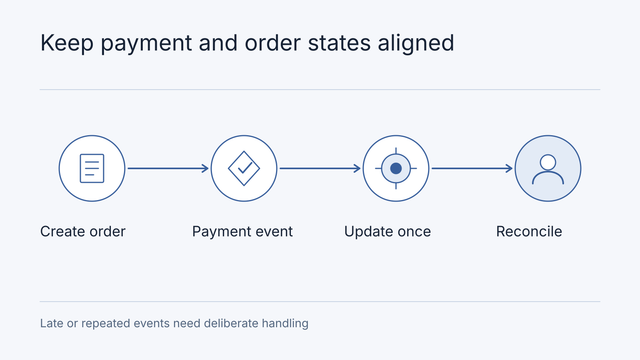
Set an owner and completion date for unresolved items. Keep the old environment available for the agreed rollback period instead of canceling it before the replacement is accepted. If the store changes payment integrations too, use the DuitNow implementation guide to scope payment and reconciliation work separately.
Separate Ownership From Recurring Costs
Record domain, hosting, email, plugin, and maintenance renewals individually. For each, identify the billing currency, renewal basis, payer, and consequence of cancellation. A hosting renewal keeps infrastructure available. A maintenance agreement defines the work someone performs. Compare both when deciding the operating budget.
Your business data, access to an account, and rights to software are different matters. Custom deliverable rights follow the signed agreement. Third-party themes and plugins retain their license conditions. Request usable source and export instructions where included, but do not assume paying for development transfers every third-party license.
For every maintenance quote, ask for coverage hours, response expectations, included work, exclusions, and the approval process for additional charges. Use our current pricing for Nodesify’s published terms instead of treating this worksheet as a fixed support package.
Close the handover with a decision record
Download the handover register with completed synthetic rows. It joins asset owner, verified access, renewal, evidence, outstanding action and acceptance sign-off. Store references to secure access, never passwords or API keys.
An illustrative editor acceptance record says: task = replace the opening-hours text; required access = named editor role; expected result = approved copy appears on the agreed page; observed result = copy updated in staging and reviewed by the business owner; unresolved limitation = the header phone number still requires administrator access. The owner either accepts that limitation with a named support route or adds the missing editing requirement to scope. “Training completed” alone does not establish that editors can do their jobs.
Frequently asked questions
Can a supplier-owned plugin licence transfer?
Check its actual licence terms. Record transfer permission or the replacement subscription, payer and renewal before ending the old arrangement. Do not infer transferability from access to WordPress.
What if the outgoing supplier cannot provide a backup?
Inventory accessible files, database and hosting recovery options with the authorised owner. Record unrecoverable items and investigate before moving or cancelling services. An incomplete export is a limitation, not a successful recovery handover.
When should old access be removed?
After the new owner has verified required access, recovery and critical journeys, under the agreed transition plan. Revoke named access and review shared credentials appropriately. Request a handover review for missing operating evidence; a new build is a separate decision.
Accept the operating arrangement
Keep the final asset register, recovery instructions, maintenance worksheet, training notes and outstanding-item list together. Record the accepted site version and who approved it. Agree how later change requests are estimated and authorised, including work performed by a replacement supplier.
For an existing broken site, our WordPress rescue guide helps prepare a diagnosis. For a new build, review the WordPress development service, current pricing and portfolio. Contact Nodesify with your URL, account inventory and missing handover items to scope the work needed for a maintainable site.