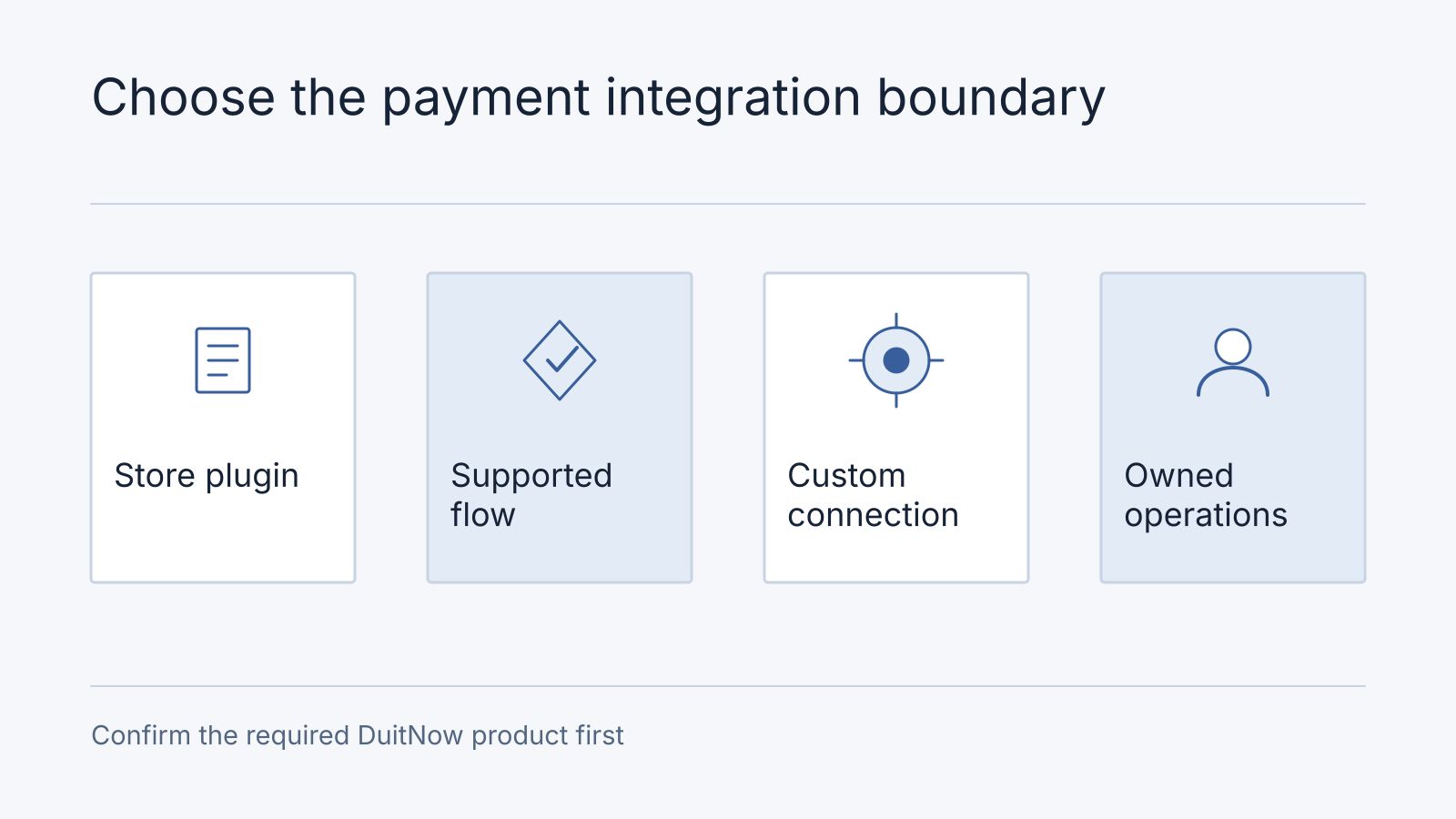
Start with a maintained provider integration for your existing store. Commission custom work when a specific requirement cannot be met through that integration, such as connecting payment confirmation to an internal ordering system. The decision depends on the exact DuitNow product, merchant account, platform version, and order workflow.
This is a documentation-led implementation review, checked on October 16, 2026. The order walkthrough below is an illustrative design, not a completed DuitNow deployment or a claim that Nodesify has certified a particular plugin. Our direct implementation experience with separating payment from fulfillment is described in the ResumeForU delivery investigation. Its architectural lesson is relevant here, but it does not establish provider compatibility.
Identify the Payment Flow First
Ask your provider to name the product enabled for your merchant account. PayNet distinguishes one-time online banking and wallet payments from saved-payment flows using DuitNow Consent and AutoDebit. A QR acceptance feature alone does not establish support for automatic renewals. See PayNet’s user journey.
Merchants onboard through a registered acquirer or third-party acquirer offering DuitNow Pay. PayNet’s hosted and self-hosted integration documentation addresses those participants. It is not evidence that an ordinary shop can bypass its provider and connect directly. See merchant onboarding guidance and the integration overview.
Write one sentence before requesting quotes: “Our existing store needs customer-authorized online payments, with automatic order confirmation and a daily finance export.” Add recurring collection only if it is an actual requirement.
Compare Three Implementation Routes
| Route | Choose it when | Evidence needed before committing |
|---|---|---|
| Maintained store plugin | Your platform and required flow are supported | Exact plugin and platform versions, enabled methods, refund behavior, and support owner |
| Provider-hosted checkout with a connector | A custom storefront can redirect to the provider | Documented confirmation mechanism and a reliable mapping back to the order |
| Custom integration | A verified workflow gap remains | Written gap, supported provider API, operating responsibilities, and acceptance examples |
A custom storefront does not require a custom payment interface. You may still use the provider’s hosted collection page and write only the connector between its payment result and your operational system. Conversely, installing a plugin does not establish that inventory, finance exports, or custom order statuses work correctly.
Ask the supplier to demonstrate the difficult requirement on a staging copy before expanding the scope. If an existing connector meets it, record the supported configuration and avoid owning unnecessary payment code.
Walk Through One Order
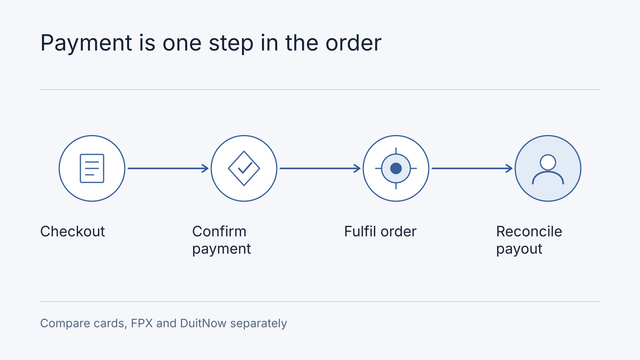
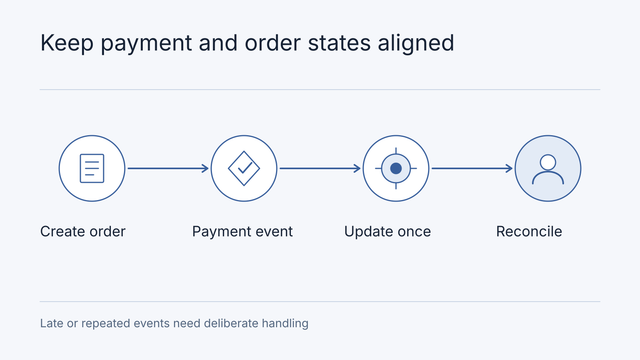
Consider a hypothetical store selling physical products. An order has its own reference, and each payment attempt has a separate provider reference. A customer retry should not erase the first attempt or create a second fulfillment instruction.
| Step | Store behavior to specify | Evidence the supplier should show |
|---|---|---|
| Create order | Save the basket and inventory decision | Order reference and an explicit unpaid state |
| Start payment | Associate the attempt with that order | Provider reference, expected amount, and currency |
| Customer returns | Show the currently verified state | Pending remains pending when confirmation is unavailable |
| Provider confirms | Verify the notification or query according to provider documentation | Matching merchant, order, amount, currency, and final status |
| Release fulfillment | Apply the successful transition once | One fulfillment instruction despite repeated notifications |
| Close the day | Match orders, charges, fees, and payout | An exception list for unmatched records |
This table is our proposed acceptance model. The chosen provider determines the actual status names, authentication mechanism, notification format, and status-query behavior. Do not copy another gateway’s webhook verification code and assume it applies.
Decide What Happens When the Happy Path Stops
If the customer closes the browser after paying, staff still need an authoritative payment result. If confirmation arrives twice, the order must not ship twice. If payment succeeds after the store has released reserved stock, the business needs an agreed response, such as replenishment or a reviewed refund.
Write these outcomes into the implementation scope. A timeout does not prove payment failed. Ask how the connector reconciles an uncertain attempt before it invites another charge. Keep a manual review queue for unresolved records, with a named owner and enough reference information to investigate.
Refunds also cross system boundaries. Record who approves them, whether the plugin supports the required full or partial refund, and how staff see a failed or pending refund. Refunding money does not automatically update stock, cancel delivery, or correct an accounting document.
Price Ownership Alongside Installation
Compare setup, plugin licensing, transaction fees, maintenance, and future platform upgrades separately. The merchant should know who controls the account, who receives incident alerts, and who can export transaction history when changing suppliers.
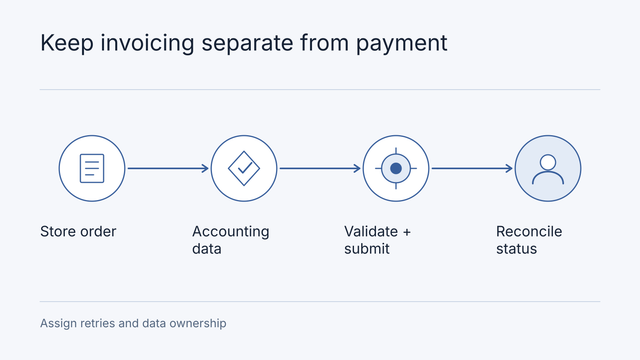
Our payment gateway comparison covers provider selection and fee examples. Use the e-commerce quotation checklist for the broader store scope. If accounting submission is involved, separately review MyInvois connector responsibilities.
Record plugin fit and a late-payment decision
An illustrative fit record for a small store might read: platform/version known; gateway merchant application pending; maintained plugin candidate found; refund support unverified; accounting export required; subscription renewal rules out of scope. Choose the plugin route only after the actual gateway/platform combination demonstrates the needed events. Finding a plugin is not a compatibility confirmation.
For a late-payment case, keep order O-21 pending until the verified gateway event arrives. If inventory has expired meanwhile, hold fulfilment and assign staff to resolve delivery or refund; do not revive the order automatically without an agreed rule. Reconcile the gateway transaction, internal order and settlement record using stable references. Repeated events must not create a second fulfilment.
Frequently asked questions
Use the payment investigation checklist to connect an order and payment attempt to late confirmation, refund, settlement and payout. These fictional rows do not establish a connector’s compatibility or a merchant’s eligibility.
Is displaying a QR code equivalent to an integrated checkout?
No. Establish how a payment is matched to an order, confirmed and reconciled. Do not assume a displayed QR provides the event, refund or accounting behaviour needed by the store.
Can a plugin handle refunds and recurring payments?
Verify those capabilities for the exact provider, merchant arrangement and plugin version. Mark unconfirmed features as dependencies in the quote. Bring the fit record and one order journey to the payment preparation guide.
Prepare a Decision the Supplier Can Price
Send your store platform and version, current provider, required DuitNow flow, order volume assumptions, and the one workflow the existing integration cannot handle. Include redacted examples of order and settlement records. Do not email secret keys or customer records.
For a WordPress store, review our WordPress development service. For a custom ordering workflow, contact Nodesify with the integration gap so we can define the investigation and delivery scope.