The practical way to reduce wasted AI builder credits is to remove ambiguity before generating changes. Give the builder a small task, define what success looks like, and check the result before continuing. A shorter prompt is not automatically cheaper if it causes several rounds of repair.
This guide provides templates for people building without a technical background. It does not promise a particular percentage saving. Billing units and product features differ; check your provider’s documentation and account dashboard. Sources were reviewed on 22 September 2026.
Understand what the builder counts
A token is a unit of text processed by an AI model. A credit is a provider-defined billing unit; it is not interchangeable across platforms. The same number of prompts can consume different amounts depending on the work and material processed.
Bolt’s token-efficiency guidance explains that reading project files, reasoning and generating changes all consume tokens. It recommends planning first, focused instructions and built-in actions where available. This is a reason to inspect the task and usage together instead of judging cost by the length of your message.
Also separate editing usage from the cost of customers using AI inside the finished app. The hosting and running-cost checklist covers that second category.
Start with a brief the builder can question
Replace the bracketed details in this template before using it. Ask for clarification first, then approve a small implementation step.
I am building [a website or app] for [specific users]. Their main task is [one outcome]. The first release needs [essential pages or actions]. It must save [required information], and only [authorised people] may access it. Use fictional data while building. Do not add [deferred features]. Explain missing requirements and the services this would need before making changes.
For a cleaning business, that could become:
Build a website where homeowners can request a cleaning quote. Include service coverage, what the cleaning includes and a request form. Ask for name, contact details, area and preferred date. A request is not a confirmed booking. Staff need to receive it and follow up. No customer accounts, payment collection or live scheduling in the first release. Identify missing details before building.
This brief resolves important business rules before they spread across pages and forms. It also gives you a clear way to reject unnecessary features.
Request one coherent change at a time
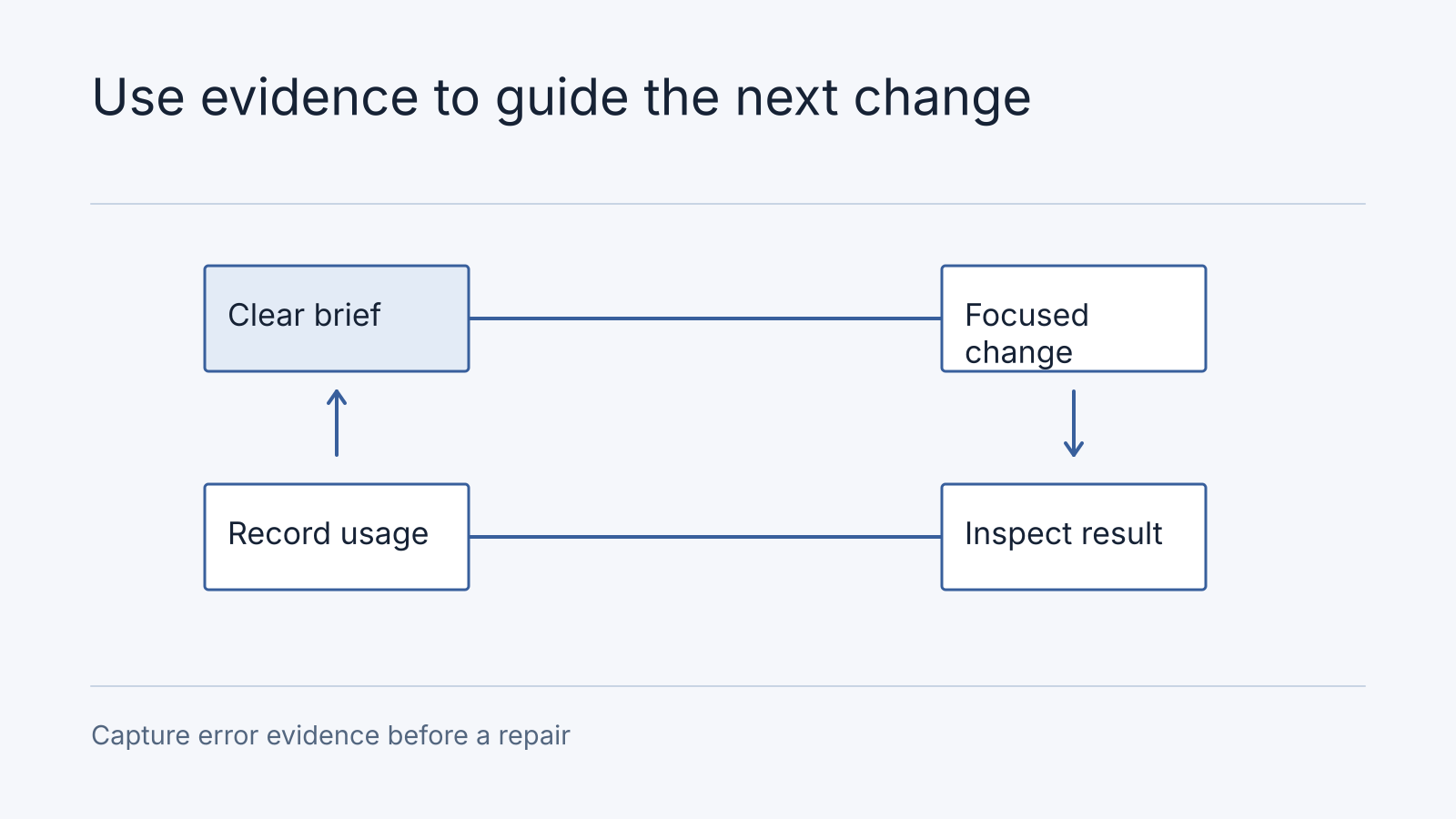
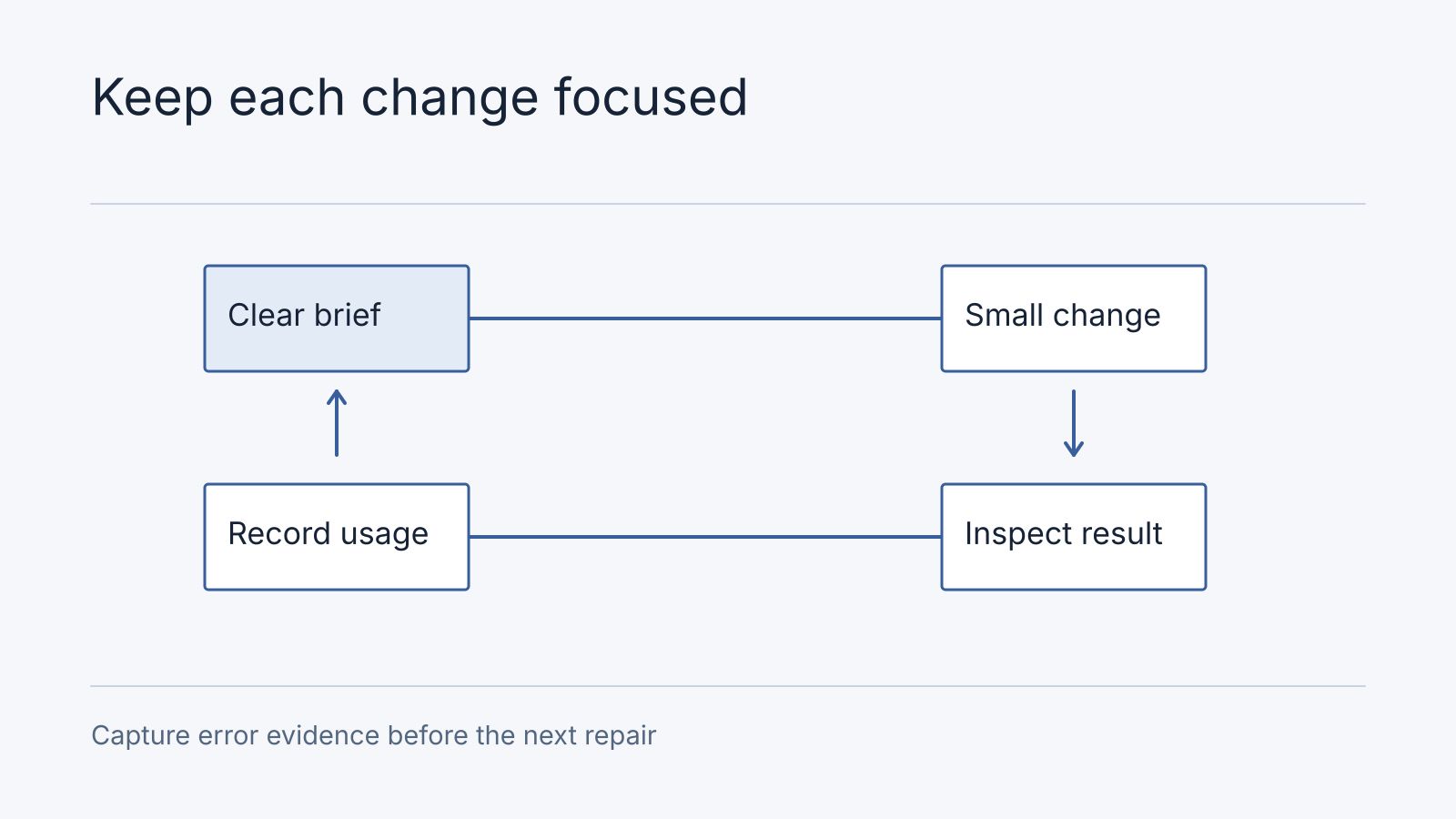
A coherent change can include several closely related details. Updating a form field, its explanation and its validation belongs together. Redesigning the homepage, changing authentication and adding subscriptions in one prompt makes it harder to identify why something failed.
Use this structure for a change request:
| Include | Example |
|---|---|
| Location | The quote request form |
| Requested behaviour | Add an optional preferred date |
| Business rule | It expresses a preference and does not reserve a slot |
| Completion check | The date appears in the staff notification |
| Scope boundary | Keep the existing contact fields and delivery method |
Supply the exact wording you want displayed. If you are still deciding the wording, settle it in a document before asking the builder to repeatedly rewrite the interface.
Use an error report instead of repeated repair requests
When a change fails, collect the steps you followed, what you expected, what happened and the exact error message. Remove personal information and secrets before sharing screenshots or logs.
On the quote form, I entered a name, email and preferred date, then selected Submit. I expected a success message and a staff notification. The page showed [exact message], and no notification arrived. This worked before [last change]. Explain the likely cause and the smallest proposed fix. Keep unrelated page design unchanged.
Ask the builder to distinguish a code problem from a missing service configuration. Rewriting a form will not necessarily resolve an unverified sending domain or an exhausted external-service allowance.
If repeated attempts fail, stop that session and gather evidence for support or a developer. The purpose is to prevent an unclear problem from becoming an unlimited series of paid guesses.
Keep a small change and usage log
Record the credit balance or usage shown before and after a session, the task and whether it worked. A simple document is sufficient.
| Session | Task | Usage recorded | Outcome |
|---|---|---|---|
| First | Create the enquiry journey | Copy the dashboard difference | Submission reaches staff |
| Second | Change approved page copy | Copy the dashboard difference | Copy matches the brief |
| Third | Investigate failed delivery | Copy the dashboard difference | Fixed, or paused with evidence |
Check whether background app usage is included in the same balance before attributing the whole difference to a prompt. Compare your own tasks over time; another user’s “cost per app” may involve a completely different scope.
Use platform controls for supported actions such as publishing or restoring a version. Confirm the provider’s current behaviour rather than assuming every visual edit or planning conversation is free.
Know when a credit upgrade solves the wrong problem
More credits can be appropriate when you have a clear backlog and the builder is completing work reliably. They are less useful when requirements keep changing or nobody can explain why a critical workflow fails.
Before upgrading, identify the next deliverable, estimate the remaining work and decide what evidence would make you stop. For the broader spending decision, use our guide to saving money with AI builders.
Close the session with a decision
Use the builder session record to keep the accepted starting version, bounded task, acceptance result, usage before/after, uncertain background usage and stop/continue decision together. A usage difference is observed spending; it is not automatically attributable to the prompt when live app activity shares the balance.
In a fictional repair escalation, the form shows success but the staff inbox receives nothing. Save a synthetic submission ID, time, exact response and last working version. A sending-domain configuration issue and a code error are separate hypotheses. Check the delivery provider’s record first: a rejected sender calls for configuration investigation; no attempted delivery calls for tracing the form handler. Do not rewrite the whole page before locating that boundary. Stop when access or the cause remains unclear and request a bounded review with this evidence. No credit saving is claimed for the example.
Frequently Asked Questions
What should I preserve before a repair session?
Keep the known working version, accepted behaviour, relevant configuration inventory and a recoverable data copy where applicable. Code restore and data recovery may have different effects; confirm the platform’s actual controls.
When is platform support more suitable than a developer?
Ask platform support about account billing, quotas, service incidents and documented platform controls. Ask a developer to investigate your implementation when evidence points to code or integration behaviour. Exhausted credits alone do not establish a need for a full architecture audit.
Do short prompts always use fewer credits?
No. Billing can include project context, reasoning and generated changes. An incomplete instruction may trigger more repair work than a longer, precise request.
Should I start a new project whenever the builder gets stuck?
First preserve the current work and diagnose the issue. Restarting can discard working behaviour and recreate the same unresolved requirement. Consider rebuilding only after identifying why the current implementation cannot reasonably be repaired.
Can I compare credits between different AI builders?
Not directly. Compare the cost and outcome of the same bounded task, together with allowances, running costs and the services included in each plan.
Bring the problem and the evidence
To compare two prompts fairly, save the same starting project, define one acceptance result and log the usage charged for each attempt. A focused request such as “change only the booking confirmation text and keep the form behaviour” is easier to verify than “redesign the whole app.” This is an illustrative exercise, not a measured Nodesify saving; credit accounting and project context vary by builder.
If repeated fixes are consuming your budget, an architecture audit can help establish what needs attention. Bring the project brief, reproduction steps and usage log so the review can focus on a defined issue.