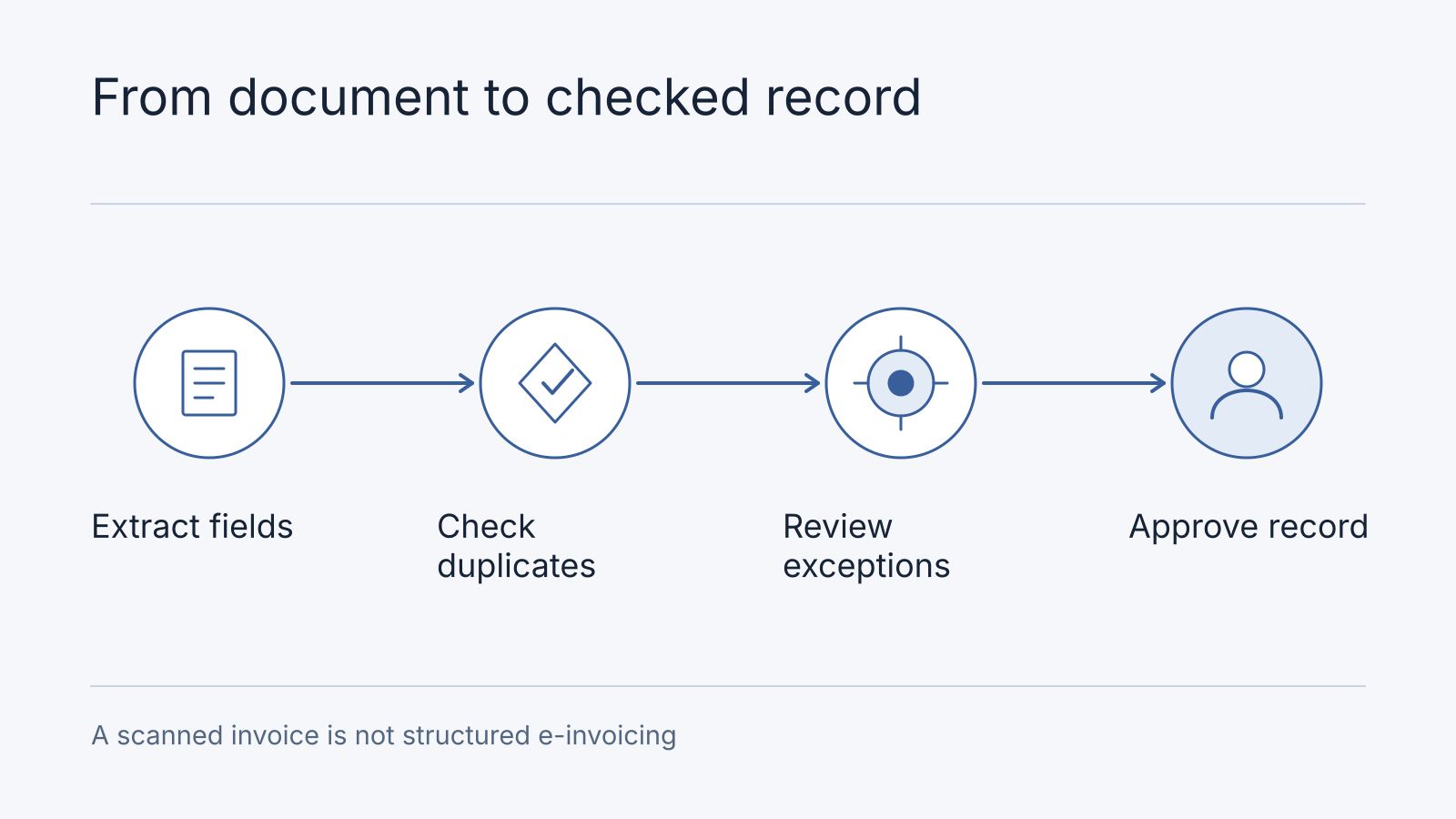
AI document processing can help turn invoices, purchase orders and other documents into structured drafts for staff review. The useful workflow combines extraction with validation, reconciliation and exception handling.
For Malaysian and Singaporean businesses, distinguish reading a document from validating a transaction or satisfying an e-invoicing requirement. A convincing extraction result is only one step.
Decide which input you actually have
A scanned image may need optical character recognition before field extraction. A text-based PDF may already contain readable text. A structured invoice payload can contain machine-readable fields that should be parsed directly.
Do not introduce OCR where a reliable structured source is available. Preserve the original document or payload alongside the extracted record so reviewers can trace values back to their source.
| Input | Starting approach | Checks still needed |
|---|---|---|
| Scanned invoice | OCR and field extraction | Image quality, missing fields and source alignment |
| Text-based PDF | Text extraction and field mapping | Layout interpretation and repeated values |
| Structured invoice | Parse supported schema | Schema validity, identifiers and business rules |
| Purchase order | Parse or extract approved order fields | Version, approval status and matching rules |
Define whether the workflow covers invoice headers, line items, tax fields, delivery records or all of these. “Process invoices” is not a sufficiently precise scope.
Worked example: invoice and purchase order
The following values are fictional and demonstrate review logic. They are not a tax calculation or a customer result.
| Field | Approved purchase order | Extracted invoice | Review decision |
|---|---|---|---|
| Supplier identifier | SUP-041 | SUP-041 | Matches the expected supplier |
| Purchase order | PO-108 | PO-108 | Matches the stated order |
| Currency | MYR | MYR | Same currency |
| Quantity | 10 | 12 | Hold for review |
| Unit price | 100.00 | 100.00 | Same unit price |
| Line amount before tax | 1,000.00 | 1,200.00 | Arithmetic is consistent, but quantity differs |
The invoice can be internally consistent while disagreeing with the purchase order. That is why extraction and reconciliation need separate checks.
If the invoice states SGD instead of MYR, do not silently convert it and approve a match. Preserve the original currency and route the discrepancy for the agreed review process. A missing purchase-order identifier should not be invented from a plausible-looking number elsewhere.
Validate fields with ordinary rules
Use deterministic checks for required identifiers, numeric formats, arithmetic and allowed currencies. Check duplicates using an agreed combination of supplier, invoice identifier and other relevant evidence; account for corrected documents and legitimate repeated identifiers.
Match against authoritative records, not only values extracted from the same document. Where receiving goods is part of approval, compare the relevant receipt records as well.
A model can propose an interpretation of a messy field. Application rules should still block an invalid amount or an unapproved supplier change.
Use confidence to prioritise review
Extraction services may return confidence information for certain fields. Microsoft’s Document Intelligence guidance explains estimated confidence and notes that not all fields return scores.
Set review thresholds from representative documents and observed errors. Do not assume one threshold works for every supplier template, field or document type. A confident extraction can still fail a purchase-order comparison.
Always review critical discrepancies, missing required fields and changes to payment details according to your controls. Bank-account changes should follow a separately verified process; an extracted instruction on an invoice should not update supplier records or initiate payment by itself.
Keep exceptions visible
Create an exception queue with the original source, extracted values, failed checks, proposed corrections and reviewer history.
Useful reasons include unreadable source, unknown supplier, missing order, duplicate candidate, currency mismatch, quantity discrepancy and arithmetic inconsistency. Distinguish a system error from a genuine business exception.
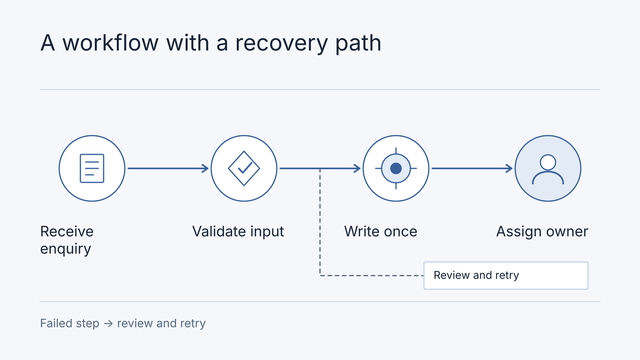
A retry should not create another invoice record. Assign a stable intake identifier and track processing states so staff can see whether a document is awaiting review, accepted, rejected or failed.
Our workflow automation guide covers orchestration considerations. The model’s output should enter a controlled workflow rather than directly creating a payable transaction.
Distinguish extraction from e-invoicing
Malaysia’s IRBM e-Invoice Guideline describes the official e-Invoice workflow. OCR on a supplier PDF does not establish that a document has completed that workflow. Use the relevant structured identifiers and validation evidence where your process requires them.
Singapore’s InvoiceNow transmits structured invoices through the Peppol framework. Reading a PDF attachment is a different capability from integrating with that network.
Check current official requirements for your business before implementation. This article proposes engineering controls; it does not determine tax obligations, exemptions or rollout dates.
Evaluate at field and workflow level
Assemble a representative sample covering supplier formats, clear and poor scans, multiple pages, credit notes, currencies and deliberate discrepancies. Keep an agreed correct record for each example.
Report field accuracy separately for important fields and report document-level outcomes too. A document with one wrong payment-critical value should not be celebrated because many other fields were correct.
Measure review time, rejected duplicates, missed exceptions and downstream corrections. Compare against the current process. Store the sample size and document mix with the result; one clean template does not establish performance on the full intake.
Start with draft records and staff approval. Expand only after the workflow owner accepts the evidence. A bounded research and development engagement can investigate extraction quality; an architecture audit can establish system boundaries.
Close the quantity exception before creating a draft
In the fictional invoice example, the reviewer sees extracted quantity 12, purchase-order quantity 10 and the original page side by side. Purchasing confirms that only 10 were received; finance requests a corrected invoice rather than silently changing the supplier’s document. The queue records document version, discrepancy, reviewer, decision time and the corrected reference. Only the approved revision creates an accounting draft; posting remains a separate authorised action.
Suppose 20 synthetic documents contain 200 evaluated fields. Four wrong fields give 98% field accuracy, yet four affected documents give only 80% fully correct documents. If one error changes a bank account, the batch fails the critical-field gate regardless of the average. Add review minutes and exception counts to the result, and require explicit approval for bank-detail changes outside the extraction workflow.
Scope the sample by suppliers/templates, pages per month, line items, languages, scans, credit notes, destination and reviewer. First check whether a structured supplier feed already exists; it may avoid OCR. An R&D scope should return sample-level feasibility and failure categories. An audit should map document, permission and accounting boundaries. Use the preparation brief.
Frequently asked questions
Can poor scans, handwriting and corrected invoices be included?
Include representative examples as separate evaluation groups. Define unreadable-document rejection and revision matching; never treat an unreadable field as an empty approved value.
Is accounting-system access required for a pilot?
An offline extraction evaluation can use redacted samples and a draft export. Live draft creation needs documented integration access, duplicate protection and an accountable approver; offline success does not prove posting behaviour.
If your next step is issuing e-Invoices from an online store, our MyInvois connector investigation covers submission status, accounting ownership, and exception handling. Those responsibilities are separate from extracting fields out of an incoming document.
Is OCR the same as AI document processing?
OCR reads text from images. A complete business workflow also maps fields, validates them, compares records and handles exceptions.
Can a high-confidence invoice be approved automatically?
Confidence concerns extraction. Approval also depends on matching records, business rules and permissions. Keep those decisions separate.
Should we build a custom extraction model?
First evaluate existing parsing or extraction capabilities on representative documents. Build only when a material requirement remains unmet and you can maintain the resulting workflow.