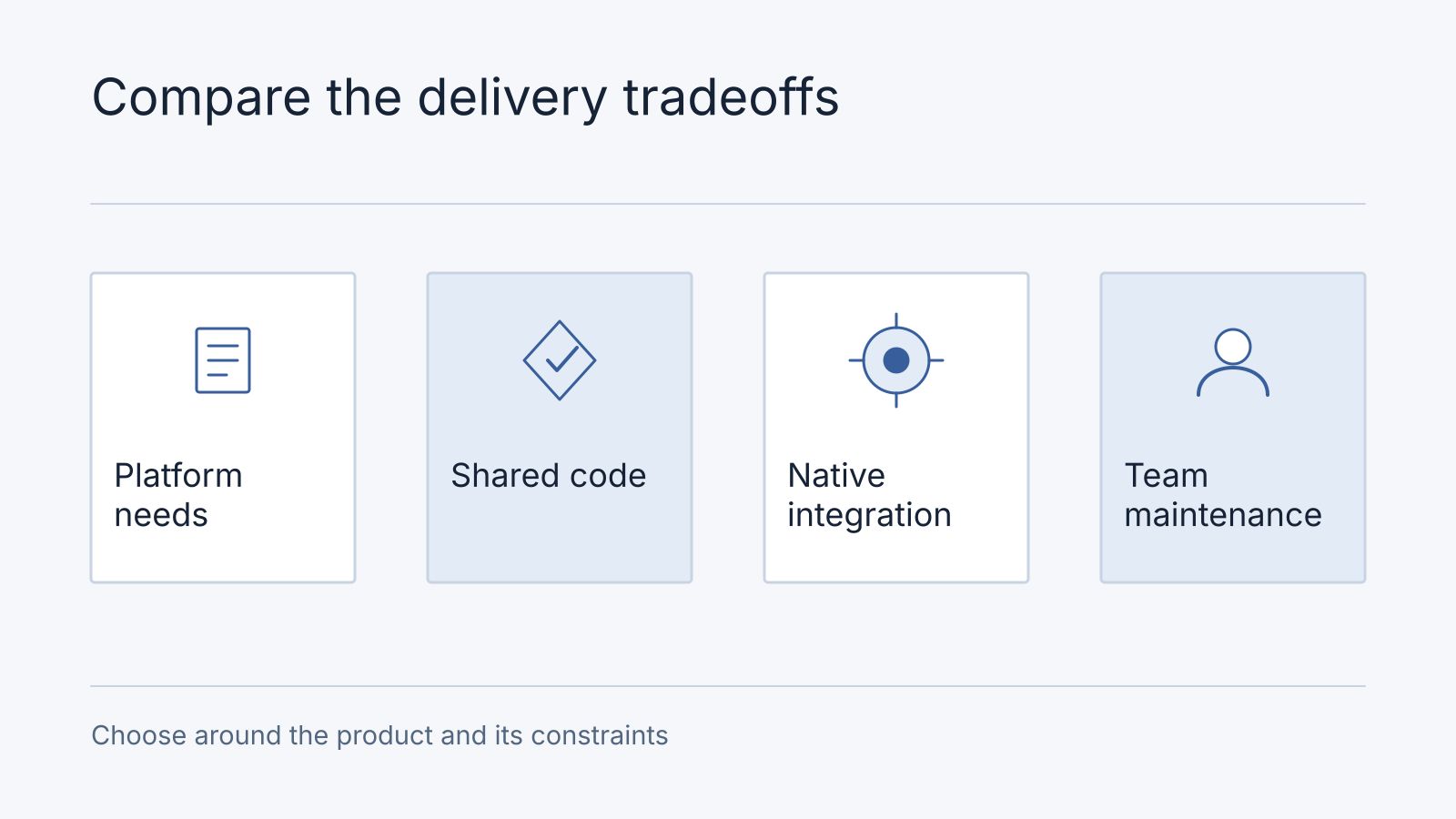
Choosing a mobile framework is a decision about product requirements and long-term ownership. React Native, Flutter and native platform development can all support substantial applications. The best fit depends on device capabilities, interface requirements, existing code and the team’s experience.
Understand the technical differences
Start with a buyer decision record before choosing an implementation:
| Decision | Evidence to request from every framework proposal | What changes the recommendation |
|---|---|---|
| Device features | Demonstrate the required camera, background and offline work on named devices | An essential operation is unsupported or unreliable |
| Team fit | Identify who can maintain shared and native code | No accountable owner for a required integration |
| Interface and accessibility | Complete the same task with platform navigation and assistive technology | The proposed interface cannot meet the accepted journey |
| Release and maintenance | Show signing, store submission, dependency and upgrade ownership | The business cannot operate or update the result |
This is a collection method, not a ranking of React Native, Flutter or native development. A proposal with an unknown essential capability stays conditional even if its other rows look attractive.
React is a user-interface library; TypeScript is a programming language that adds a type system to JavaScript. They are not competing mobile frameworks. React Native uses React to build applications with native platform integration.
React Native’s newer architecture changes communication and rendering capabilities, but it does not make every operation synchronous or remove every performance bottleneck. Its threading model documentation describes how work may be scheduled. Expensive application logic and rendering still require investigation.
Flutter provides its own rendering approach. Impeller availability and behaviour depend on the platform and version; it is not the renderer for every Flutter target. Android configurations can involve fallback behaviour, while web rendering has its own implementation. Check the Flutter Impeller documentation for the target platforms. No rendering engine guarantees 120 Hz output or eliminates all animation stutter.
Evaluate representative requirements
| Requirement | What to evaluate |
|---|---|
| Device integration | Required camera, Bluetooth, background and other platform APIs |
| Interface | Accessibility, navigation and platform-specific interaction expectations |
| Performance | Representative startup, scrolling and intensive workflows on target devices |
| Delivery | Existing skills, shared code and release responsibilities |
| Maintenance | Dependencies, native integration code and upgrade effort |
Shared code can reduce duplicated implementation across platforms. It does not eliminate platform-specific design, debugging or release work. Native development does not inherently require two entirely separate teams; staffing depends on the organisation.
Investigate the highest-risk feature early
For an illustrative field-service app, compare React Native, Flutter and native development against offline job updates, camera uploads, background location rules, accessibility and the team’s release skills. Mark each requirement as demonstrated on a target device, unresolved or not needed. The recommendation may change when offline work or a device API is essential; a framework name alone cannot establish the total delivery cost.
Prototype the feature with the least certain platform support. Use realistic data and the devices the audience actually owns. A smooth demonstration on a high-end phone does not establish acceptable behaviour across the device range.
Review library maintenance and the effort required to bridge unsupported capabilities. Avoid selecting a framework solely because of a claimed universal hiring advantage, percentage saving or return on investment.
Plan ownership
In a synthetic field-service record, camera upload is demonstrated on the named pilot Android device; offline job edits remain unverified after a long disconnection; background location is required only during an active shift; iOS evidence is not yet collected. The decision is “continue the offline/background investigation before selecting a framework”, owned by the technical lead with operations accepting the business behaviour. Do not turn that record into a platform performance score.
Frequently asked questions
Can we start with a mobile website?
Evaluate it against the same device, offline and distribution needs. A responsive site may cover browsing and enquiries; demonstrate any essential device capability before selecting it for field work.
When is native work justified, and does shared code remove release work?
Native work may be justified by a demonstrated platform requirement or maintenance tradeoff. Shared code still needs platform-specific acceptance, signing, submission and updates. Bring the riskiest device feature and target devices to the mobile scope discussion.
Assign the ongoing owner
Document who maintains dependencies, native configuration, store submissions and backend services. Choose the approach your team can support over the intended product lifetime.
A mobile development assessment should explain the recommendation against these requirements. The app cost guide covers how scope and operating responsibilities affect an estimate.