Core Web Vitals measure aspects of loading, responsiveness and visual stability. They help identify user-experience problems, but passing them does not guarantee search rankings, conversions or a particular business result.
Read the metrics correctly
| Metric | Good threshold | What it describes |
|---|---|---|
| Largest Contentful Paint (LCP) | At most 2.5 seconds | Loading of the largest eligible visible content element |
| Interaction to Next Paint (INP) | At most 200 milliseconds | Responsiveness to qualifying interactions |
| Cumulative Layout Shift (CLS) | At most 0.1 | Unexpected visual movement |
Field assessment uses the 75th percentile of visits, with mobile and desktop considered separately. See the Core Web Vitals definitions.
INP generally represents a visit’s slowest qualifying interaction, with high-interaction visits allowing one highest value to be ignored for every 50 interactions. It includes input delay, processing and presentation delay. It is not the average duration of all event handlers.
CLS uses the largest session window of layout shifts: shifts are grouped with less than a second between them and a maximum window duration of five seconds. It is not simply every shift summed over the page’s entire lifetime.
Separate field results from diagnostics
Use real-user data to understand the experience of actual visitors. Lab traces help reproduce and investigate specific problems. A standard Lighthouse navigation report uses Total Blocking Time as a responsiveness diagnostic; it does not directly measure a full visit’s INP. See Lighthouse performance scoring.
When traffic is insufficient for public field data, record that limitation and use appropriate monitoring. Do not present a single lab run as proof that every visitor passes.
Build a reviewable diagnostic record
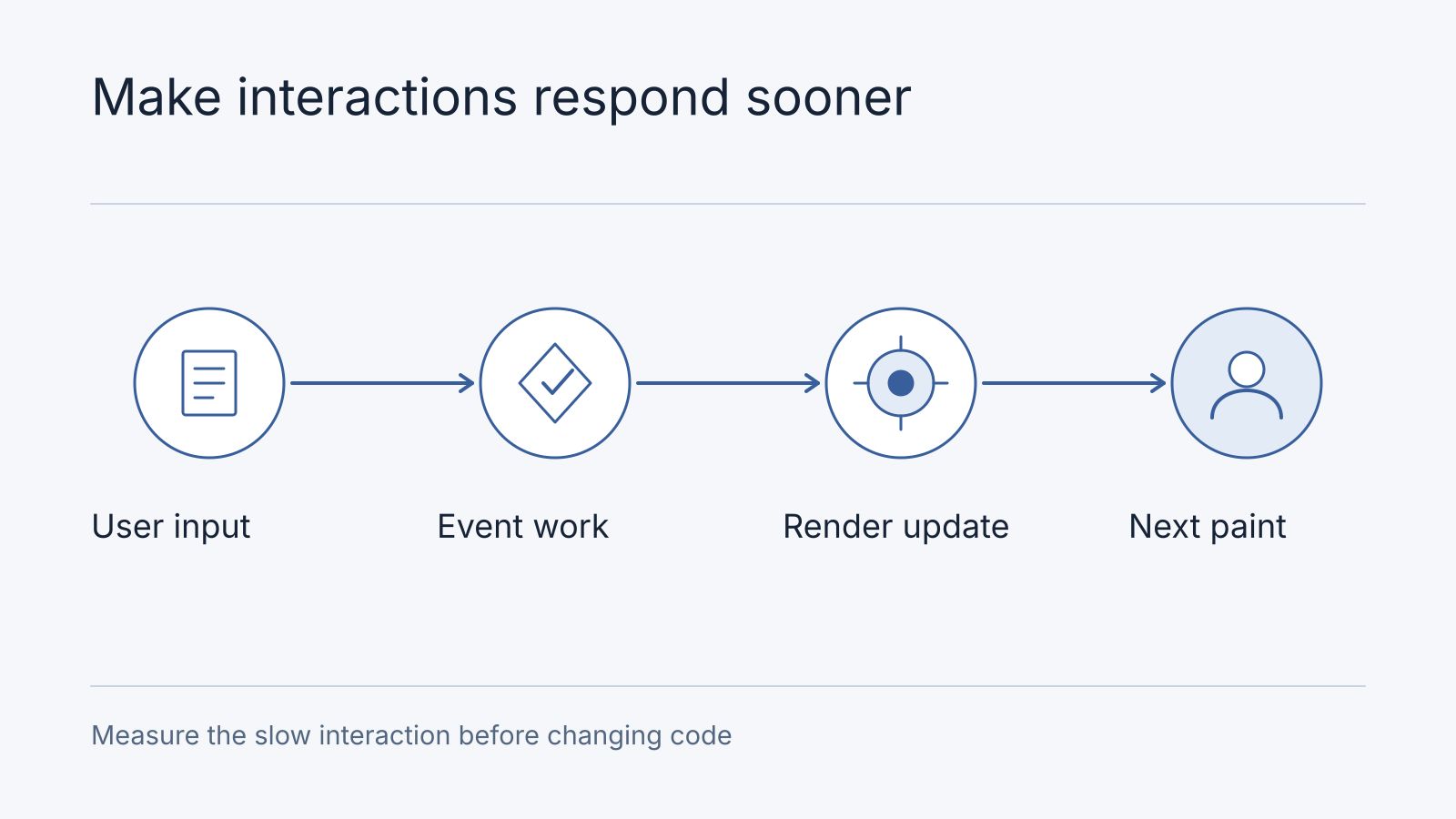
For a synthetic diagnostic example, a filter interaction takes 420 ms: 180 ms waiting to run, 160 ms processing and 80 ms before the next paint. The fictional trace suggests investigating the long task ahead of the handler and the handler’s work. It does not prove a faster host would solve the delay. Record the actual interaction, device, release and trace before choosing a fix.
| Owner’s symptom | Evidence to collect | Candidate action to verify |
|---|---|---|
| Filter appears frozen | Interaction trace and work on the main thread | Reduce/defer confirmed blocking work; repeat the same interaction |
| Hero appears late | Resource timing and image delivery | Address the observed loading dependency |
| Page jumps when content arrives | Shift source and reserved dimensions | Reserve the correct layout space |
The before/after record should retain both diagnostic results and later field observations when available. A lab improvement is not a claim that every visitor’s experience has improved.
Frequently asked questions
What if our site has no field data?
Use representative device/network diagnostics and record the limitation. Collect appropriate real-user evidence as traffic permits rather than inventing a field score.
Is changing hosting the first fix?
Only if timing evidence points there. Bring a slow journey and its URL to an architecture audit; ask for the bottleneck, proposed intervention and acceptance measurement.
Fix the observed bottleneck
An illustrative diagnosis might start with a booking button that feels slow. Record the field INP where available, then capture a lab interaction on the same page and device class. If the trace shows a long synchronous pricing calculation after the click, make that calculation smaller or schedule nonessential work later, then repeat the interaction. If the field metric does not improve, investigate other interactions and traffic segments; a single lab trace is a clue, not proof of the site’s overall result.
For slow interactions, inspect long tasks, expensive rendering and synchronous work around the interaction. The cost of listeners matters more than their count. Splitting work or loading code later may help, but a deferred script can still block the main thread when it executes.
For LCP, inspect the resource waterfall and discovery of the actual LCP element. Prioritise or preload a resource only when the trace supports doing so; unnecessary preloads compete for bandwidth. Reserve dimensions for images and embeds to reduce shifts.
Hosting at the edge can improve some network paths, but it cannot guarantee sub-50-millisecond responses or repair expensive client code. The Nodesify site uses Cloudflare Workers; individual projects should select hosting for their own requirements.
Re-measure representative pages and interactions after changes, using comparable conditions. Retain monitoring so new content and third-party scripts do not silently undo the improvement.