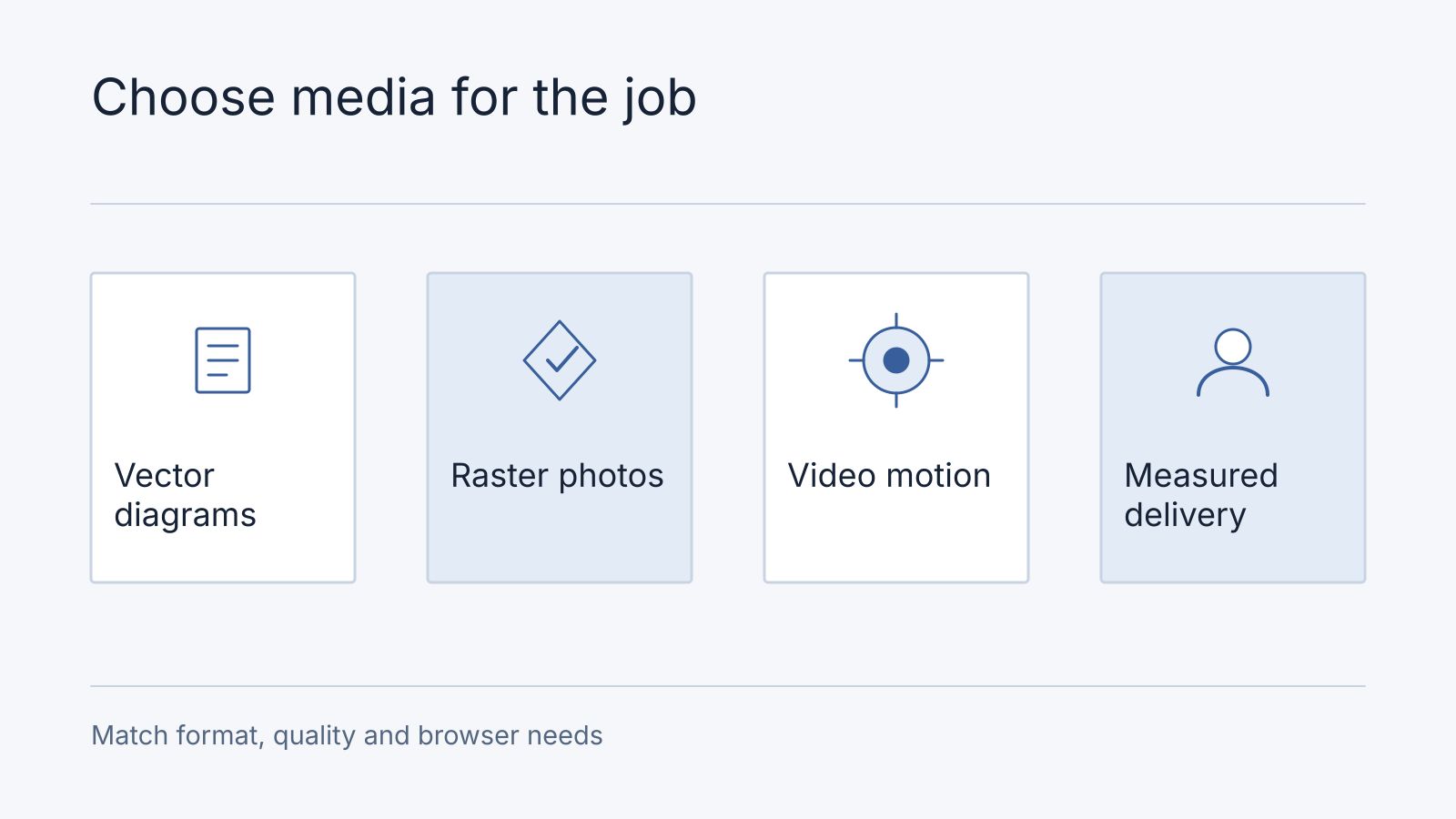
Choose a media format by the content, required quality, browser support and delivery cost. A format that compresses one photograph well may be a poor choice for a diagram or a short animation. Compare representative files at an acceptable visual quality instead of promising one universal percentage reduction.
Select formats by use
| Content | Candidates to evaluate |
|---|---|
| Logos and simple diagrams | SVG, with appropriate trust and sanitization controls |
| Photographs | AVIF, WebP and JPEG, with fallbacks where needed |
| Lossless raster graphics | PNG or lossless WebP |
| Animation | Video, animated WebP or APNG, according to interaction and compatibility needs |
APNG extends PNG for animation; avoid treating all PNG files as animated. AVIF support is widespread in modern browsers but not universal across every deployed device. Compare encoder settings, decode cost and visual artefacts as well as file size. Google’s WebP compression study describes specific evaluated conditions, not guaranteed savings for every asset.
Deliver images at appropriate sizes
Provide responsive source sizes and explicit dimensions where possible. Load the likely hero or LCP image promptly; use lazy loading for suitable below-the-fold images. Check the actual layout so the browser is not downloading a much larger image than required.
The image decoding attribute expresses a preference about presenting decoded content. Setting decoding to async does not guarantee that all work happens off the main thread or that performance improves in every case.
SVG security depends on how it is embedded. Browsers restrict features such as scripts when SVG is used as an image; inline SVG, object embedding and direct navigation have different security properties. Validate or sanitize untrusted SVG and control how it is served. See SVG used as an image.
Use a small asset inventory before conversion. In this synthetic decision record, a product photograph needs responsive raster candidates and a visual comparison at the displayed size; a logo needs a source vector checked for rendering; a UI demonstration needs video with a readable poster, captions and playback controls. A lossless screenshot may be preferable when compressed text becomes unreadable. The choice follows the content, not a universal file-format ranking.
For each candidate, record source dimensions/bytes, delivered dimensions/bytes, transparency, browser fallback and the reviewer’s visual result. Do not publish a percentage saving until you have those actual files. Example acceptance: “Product label remains readable at mobile width; background stays transparent; no layout jump; fallback loads.” Keep the source asset so a rejected conversion can be replaced.
Frequently asked questions
Should every animated GIF become a video?
Assess playback, controls, accessibility and the user need. A short explanation may work better as still steps; meaningful speech needs captions. Avoid removing information merely to reduce bytes.
What should an optimisation review return?
Bring representative originals and the page URLs. Request an asset-by-asset recommendation with delivered-size evidence and visual acceptance, then scope implementation through a website review.
Match video delivery to playback
For a sample media inventory, record each asset’s purpose, displayed dimensions, encoded dimensions, file size and devices tested. For a product photo, compare a suitably compressed JPEG/WebP/AVIF candidate at the actual display size; for a logo, evaluate a trusted SVG or raster alternative; for a demonstration video, test startup and playback on representative connections. Choose the smallest acceptable result that works for the audience, not one universal format for every asset.
AV1 availability depends on browser, operating system and hardware capabilities. Offer appropriate alternatives for the audience rather than assuming every device can decode it efficiently. A smaller file can still impose an unacceptable playback cost on some devices.
Video preload is a browser hint, and autoplay can affect loading behaviour. Autoplay itself remains subject to browser policy and user settings; muted playback is not an unconditional guarantee. Include usable controls or a playback alternative. The HTML video reference documents these attributes.
Adaptive streaming such as HLS is useful when varying network conditions, duration or audience scale justify it. A video lasting more than a few seconds does not automatically require HLS. Measure startup time, rebuffering, transferred bytes and accessibility needs before deciding.