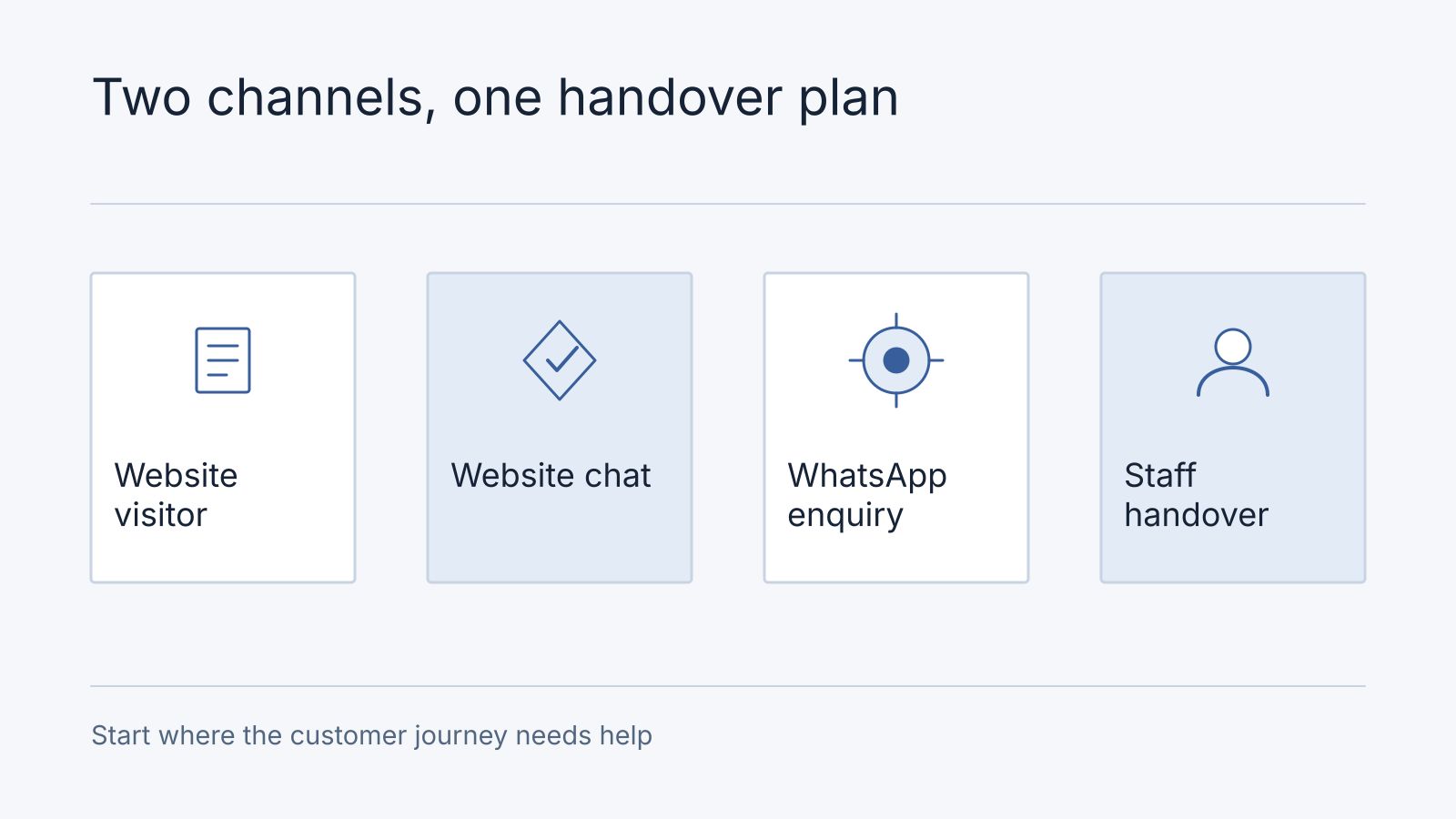
Start with website chat when the main task is helping visitors understand your products or services while they browse. Start with WhatsApp when customers already use that channel for inquiries and continued conversation. Use both when there is a clear owner for each conversation and one maintained source of approved answers.
This is a channel decision. A website chatbot and a WhatsApp chatbot can each use AI or fixed rules. Compare their place in the customer journey before choosing the answering technology. Nodesify makes Lumo, whose agreed scope can cover a website and eligible WhatsApp channels.
Compare the Customer Journey
| Decision | Website Chat | WhatsApp Chat |
|---|---|---|
| Typical entry point | A visitor browsing your site | A customer messaging your business number |
| Useful first task | Explain the page, products, or service | Handle an inquiry on the customer’s preferred messaging channel |
| Setup questions | Which domain, pages, and staff handover route? | Which account, number, connection method, and staff access? |
| Cost questions | Widget, AI usage, service, and integrations | Those costs plus applicable channel and connection charges |
| Identity | Do not assume a visitor is an identified customer | Do not treat possession of a phone account as sufficient authorization for sensitive actions |
| Main operating risk | The conversation ends without an owned next step | Staff and automation reply inconsistently or the account setup does not fit |
These are evaluation considerations, not claims that every provider implements the same behavior. Ask for a demonstration of the proposed setup, including how staff sees the conversation and takes ownership.
When Website Chat Makes Sense
Website chat can help a visitor who is reading product specifications or comparing service options. The assistant should answer from approved information and provide a clear next step. It should not obstruct the page or become the only way to contact the business.
Consider a florist’s website. A customer may ask about available bouquet styles or delivery policy while viewing the catalog. The assistant can explain published information. Staff should confirm live availability, special requests, and the final amount where those details are not verified by the system.
Decide what happens when the visitor closes the page. If the business needs follow-up, collect contact information with a clear purpose and confirmation. A chat that appears successful but leaves no responsible person for the inquiry is not a complete service process.
When WhatsApp Makes Sense
WhatsApp is worth evaluating when customers already send questions to the business there. Before introducing automation, map how the number is used today, who has access, and how staff will continue a conversation.
Check the selected account’s onboarding and messaging requirements. The WhatsApp Business Messaging Policy covers business messaging and automation requirements. Confirm the permitted messaging flow and an escalation route before launch. Do not assume that responding to an inquiry also permits any future promotional campaign.
Ask the supplier to demonstrate the account connection rather than relying on a screenshot of a chat bubble. Confirm whether existing mobile-app use continues, how staff takeover works, and what happens during a connection failure. Those details depend on the proposed implementation.
When Both Channels Are Worthwhile
Using both channels is useful when website visitors and WhatsApp customers ask the same recurring questions. Maintain one approved catalog and policy set. Assign an owner who can update it when a price, service condition, or delivery rule changes.
Do not assume a person browsing anonymously on the website is automatically recognized in WhatsApp. If a journey moves between channels, define the continuity and identification requirements explicitly. Avoid asking the customer to repeat information merely because staff cannot locate the earlier request.
Start with one well-defined workflow on each channel. For example, explain product information and route special requests to staff. Add more only when the team can maintain the answers and reliably handle escalation.
Costs and Staff Responsibilities
A website chatbot can still have AI usage and maintenance costs. WhatsApp can introduce separate channel and connection charges. Ask whether both channels share the same plan allowance and whether additional numbers change the package.
Staff responsibility remains important even when the chatbot answers at any hour. Decide who takes over, which hours that person is available, and how customers are told to expect a response. Automation availability and staffed support hours are separate commitments.
Use the WhatsApp chatbot cost guide to compare the total budget and the Malaysia provider comparison to shortlist products.
How Lumo Approaches the Channel Choice
Lumo’s current offer combines approved business answers with staff handover for the agreed website and eligible WhatsApp channels. Plan allowances are shared across those channels. The standard offer covers one brand and one website, with WhatsApp numbers subject to package and eligibility.
Continued use of an existing WhatsApp mobile app depends on verified coexistence and synchronization. During assisted setup, confirm channel delivery, staff takeover, and the agreed acceptance scenarios before paid activation.
Staff confirms live inventory, final prices, orders, payments, and refunds. Marketing broadcasts, automatic follow-up campaigns, and transaction automation are outside standard scope. The choice to use two channels does not expand the package into a complete sales or order system.
Prepare a First-Channel Checklist
Before selecting a provider, write down:
- Where your customers currently ask questions.
- Which approved information the assistant needs.
- Which questions must go to staff.
- How the staff member receives and owns that handover.
- The expected volume and applicable spending limits.
- The connection-failure and unavailable-staff message.
- The access, retention, and export requirements for the records.
Choose the channel that supports that first workflow with manageable responsibilities. Add the second channel when its customer need is clear, rather than deploying everywhere because a platform has another connector.
Complete the florist handover before adding a channel
This is a demonstration design, not a claim of automatic cross-channel identity. On the website, a visitor asks about Saturday delivery; the assistant explains the approved policy, requests contact details for staff follow-up and records “availability unconfirmed”. In WhatsApp, the assistant handles the same question using the same source, while staff confirms the actual date and order. If the customer moves channels, ask for the agreed reference; do not silently merge people on a guessed identity.
The handover record contains channel, question, approved source version, requested follow-up details, staff owner and status. “Awaiting staff” is different from “replied”. A failed connection records an error and shows another contact route; it must not claim the enquiry reached staff.
For a first-channel decision, record enquiry sources and volume, staffed hours, account readiness and required continuity. A fictional florist with most enquiries already in WhatsApp but unverified account coexistence keeps that dependency open; a website-first pilot may proceed only if it serves an actual visitor need. “Both” is a choice to justify, not the default upgrade.
Frequently Asked Questions
What happens when staff is unavailable or a website visitor leaves?
Show the actual staffed-hours expectation and a usable contact route. If follow-up is needed, collect and confirm the necessary contact information for that purpose. Do not assume a closed browser or unanswered queue is a resolved enquiry.
Can we keep using the existing WhatsApp app?
Confirm coexistence and synchronisation for the proposed account and setup before promising it. Bring the current number/account, channel choice and handover hours to the Lumo scope discussion.
Is a WhatsApp Chatbot Always an AI Chatbot?
No. WhatsApp is a messaging channel. Its chatbot can use fixed rules, AI answers, or both.
Should a Malaysian Business Launch Both Channels Together?
Only when both have a clear customer need and staffed handover process. Starting with the channel customers already use can make the first release easier to operate.
Does Website Chat Automatically Identify the Customer on WhatsApp?
No. Cross-channel continuity and identity handling need an explicit supported design. Confirm them with the supplier rather than assuming the conversation carries over.
Discuss a Lumo pilot using your current channels, approved information, and staff responsibilities.