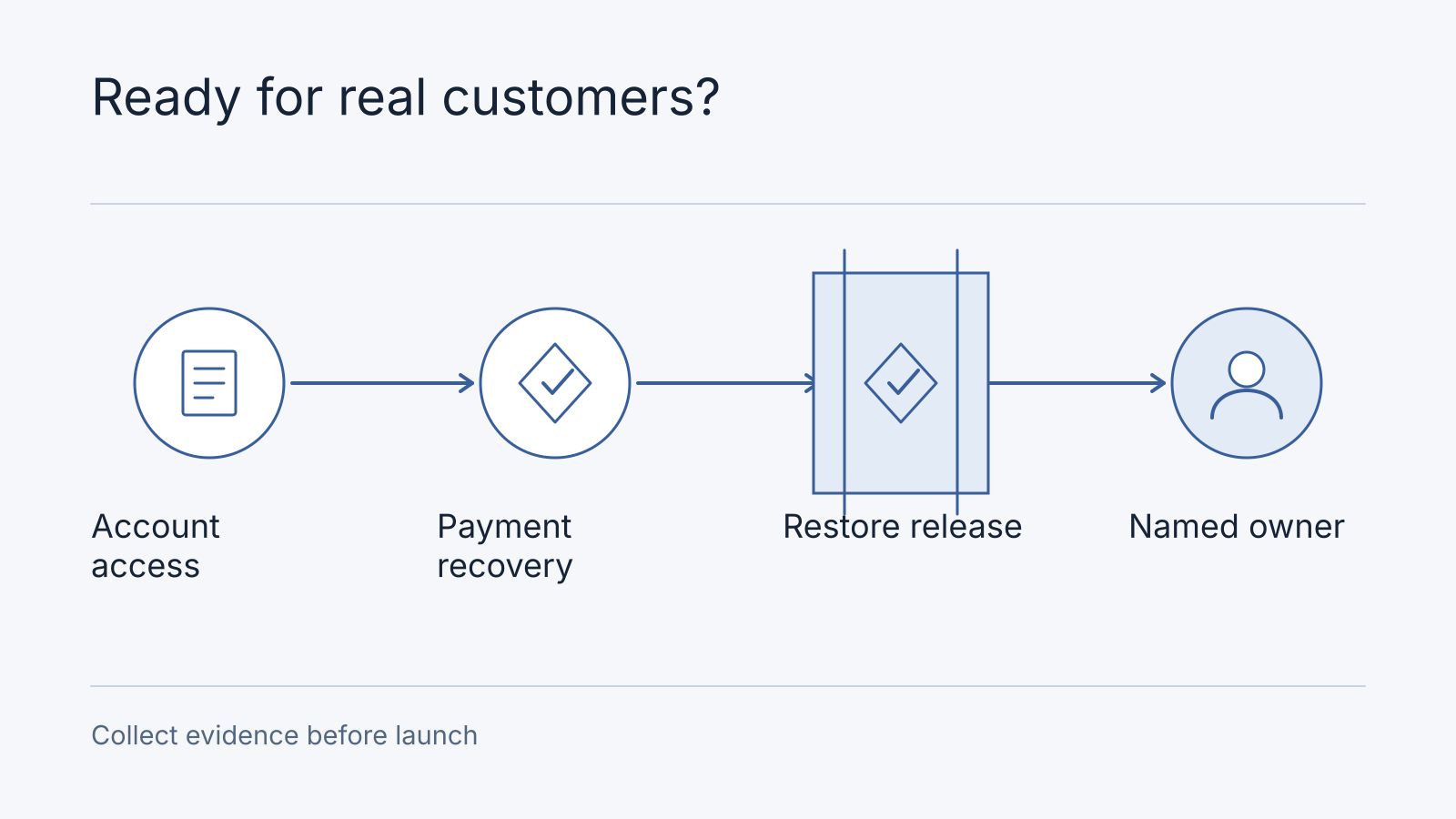
An AI-built app is ready for customers when its important user journeys have been demonstrated under realistic access, failure, and recovery conditions, and someone owns its operation. A successful demo shows that one path works. Before taking payments or storing customer records, collect evidence for what happens when a user crosses an account boundary, a payment arrives late, or a deployment fails.
You do not need to rewrite an app because AI helped build it. Review the behavior of the system you have. Keep working parts and fix the boundaries that cannot yet support the intended use.
This guide uses a fictional appointment-booking app for a small business in Malaysia or Singapore. The scenario is illustrative. No checks described here were executed against a customer app, and no client result or launch certification is implied.
Start With One Complete Customer Journey
For the example app, a customer signs in, selects a slot, pays, and receives confirmation. A staff member can view bookings and handle cancellations. A second customer must not be able to read or change the first customer’s records.
Write down the intended outcome before reviewing screens. A payment-success page is not the whole outcome. The business also needs the booking recorded, the correct customer notified, and staff able to reconcile a payment that did not produce a booking.
Use synthetic accounts and records in an environment you are authorized to assess. Keep real customer information out of public screenshots and shared prompts.
Check Access With Two Customer Accounts
Create customer A, customer B, and a staff account with deliberately different permissions. Ask your developer to demonstrate the following in the agreed review environment:
| Scenario | Required outcome | Evidence to retain |
|---|---|---|
| Customer A opens their booking | Only the permitted record is returned | Request outcome and synthetic booking identifier |
| Customer B requests A’s booking identifier | The server denies access and does not disclose A’s record | Server response and relevant access rule |
| A customer calls a staff-only action directly | The server denies the action | Request outcome and unchanged booking state |
| A signed-out visitor requests protected data | The request is rejected | Response and protected-resource identifier |
Hiding a button does not enforce access. The server or data layer must authorize the request. Have the developer check reads, updates, exports, and file downloads, not only the page used in the demo.
If the app uses Supabase, review the policies for tables exposed through its API. Supabase documents Row Level Security and warns that service keys can bypass it. Keep privileged keys out of browser code. A policy being enabled is a starting point, not proof that the two-account scenarios pass.
Follow the Payment After the Customer Closes the Tab
In the example app, payment can succeed even if the customer closes the browser before returning. Ask the developer to explain which server-side evidence moves the booking to paid and how the customer sees a delayed confirmation.
| Scenario | Business decision to agree |
|---|---|
| Customer pays and never returns | Verified payment still completes the booking or enters a visible recovery process |
| The provider sends the event twice | One payment produces the intended booking and fulfillment outcome |
| A notification is delayed | The page shows an honest pending state and staff can reconcile it |
| Payment fails or expires | The booking and slot follow the agreed unpaid-order policy |
| Payment arrives after a slot expires | Staff can follow an agreed rebooking or refund process |
Webhook authentication and duplicate handling belong in this review. Stripe documents signature verification and delivery behavior. Match the implementation to your actual provider and payment method. Do not assume that a successful card demonstration proves that an asynchronous bank-payment method follows the same timing.
For the full path from checkout to a delivered artifact, read our ResumeForU document-delivery walkthrough. For local method selection, use the Malaysian payment-gateway comparison.
Demonstrate Recovery Before Depending on It
A backup configuration does not establish how much work can be recovered or how long the business will be unavailable. Agree what data loss and interruption the business can tolerate, then have the operations owner demonstrate restoration in a separate authorized recovery environment.
AWS’s recovery-objective guidance recommends setting targets for acceptable downtime and data loss based on business needs. Its recovery-validation guidance recommends exercising recovery paths against those targets. These are AWS reliability recommendations. The booking worksheet here is our illustrative way to apply those principles, not an AWS certification or a requirement to host on AWS.
For the fictional booking app, select a synthetic booking, restore the relevant backup, and check the booking, payment references, permissions, and required files together. Record the backup time, recovered state, and elapsed recovery time. Identify external systems that the backup does not restore.
Check your provider’s backup boundaries explicitly. For example, Supabase’s database-backup documentation states that database backups include Storage object metadata but not the stored objects themselves. If the app needs uploaded files, plan their recovery separately and verify that restored records still point to available files.
Do not assume an older application release can read a database changed by a new deployment. Before release, agree whether recovery uses a compatible previous release, a forward fix, or a controlled restore. Each choice has consequences for data written after deployment. Make that decision with the developer rather than treating a hosting dashboard’s rollback button as a complete plan.
If a notification provider is unavailable, the app should preserve a traceable booking outcome and a safe recovery route. Decide whether a retry can send another message or repeat another action. A log entry by itself does not assign someone to resolve the problem.
Confirm Who Can Operate the App
Ask the current builder or supplier to show which organization owns the domain, repository, hosting, database, payment account, and email service. The business needs an agreed way to manage access and continue operation if an individual leaves.
| Responsibility | Question before launch |
|---|---|
| Deployment | Who can release a change, and how is the released revision identified? |
| Credentials | Where are secrets stored, and who can rotate or revoke them? |
| Incident response | Who receives a failure alert, and during what support hours? |
| Data recovery | Who can restore required records, and where is the demonstrated procedure? |
| Dependencies | Who reviews provider changes, usage limits, and required updates? |
| Handover | Can the named operator find the accounts, runbook, and unresolved issues? |
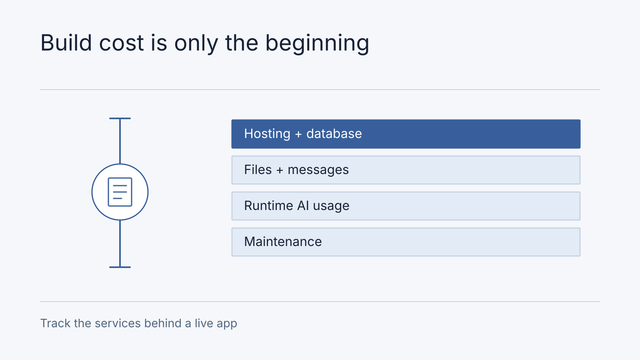
Budget for the whole journey. A paid AI-builder subscription does not necessarily include database usage, messages, payment fees, model calls, or ongoing developer support. The hosting-cost checklist separates these cost categories without assuming one platform is right for every app.
Use an Evidence Sheet to Make the Launch Decision
Copy this structure into your own release notes. Each entry should name the environment and release revision. Keep sensitive evidence in an access-controlled location.
| Area | Evidence required | Status before demonstration |
|---|---|---|
| Account isolation | Two-account read and update outcomes | Unverified |
| Payments | Closed-browser, delayed-event, and duplicate-event outcomes | Unverified |
| Recovery | Restored synthetic records and measured recovery time | Unverified |
| Deployment | Identified release and a recovery procedure compatible with its data changes | Unverified |
| Operation | Named owner, support hours, alerts, and account access | Unverified |
Change “unverified” only when the named owner can point to evidence. Record failures and exclusions rather than turning the sheet into a score that conceals a serious unresolved issue.
For the illustrative booking app, an unresolved ability to read another customer’s records should stop a launch that exposes those records. Payment uncertainty may require keeping paid bookings closed while an internal demonstration continues. A limited pilot still needs access control, a recovery owner, and explicit boundaries. “Pilot” is not a substitute for those decisions.
This worksheet is not an exhaustive security assessment or legal compliance checklist. Additional review depends on the data, customer commitments, integrations, and expected load. For example, a healthcare workflow or financial product introduces requirements beyond this booking scenario.
Decide What to Fix and What to Keep
For the fictional booking app, make the launch consequence explicit:
| Observed failure | Decision | Smallest next scope and owner |
|---|---|---|
| Account B can read account A’s booking | Block any pilot containing customer records | Engineer corrects authorisation; reviewer verifies both permitted and denied access |
| Duplicate payment event creates two bookings | Keep paid bookings closed | Engineer adds event deduplication; finance verifies one payment and one booking |
| Restore has not been demonstrated | No reliance on recoverable live records yet | Operator restores synthetic records in an isolated environment and records the result |
| Colours differ from the design | May proceed if accessible and otherwise accepted | Product owner schedules a visual correction |
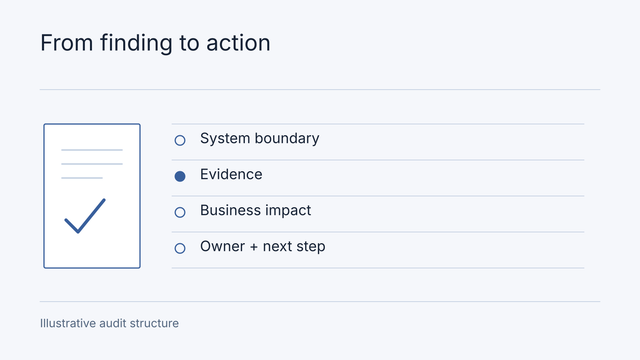
Retain a working booking interface and replace only the faulty authorisation boundary when the source review supports that decision. If the builder cannot express the required access rule, compare a bounded component replacement with migration; mark effort unknown until the dependency is inspected. Use the cost worksheet rather than treating a rebuild as the default. The completed illustrative evidence sheet shows findings, evidence references and unresolved work; its sample statuses are not results from your app.
Ask for a short finding that states the observed behavior, the affected user journey, the proposed change, and the evidence that would close it. Separate confirmed defects from concerns that need investigation. Avoid commissioning a full rebuild before identifying what prevents safe operation.
The sample architecture audit report shows how that evidence becomes a prioritized action plan. If you need help reviewing an existing prototype, read our architecture audit service and book a Strategy Session.
Bring the app’s purpose, current platform, one customer journey, and the specific launch decision you need to make. Share access arrangements after the review scope is agreed. Keep passwords, production secrets, and personal customer records out of the contact form.
Frequently asked questions
Does an audit mean I need to rebuild?
No. The output should separate what works, what must change and what remains unverified. Remediation is a separately agreed implementation scope with acceptance evidence.
Can a builder-made app be reviewed, and what access is needed?
Start with a demonstration and the builder name. Repository, deployment configuration, a safe test environment and invited read access may be needed for deeper findings. Record inaccessible areas as limitations; do not imply a screen review proves backend safety.